409
Network Connections
5
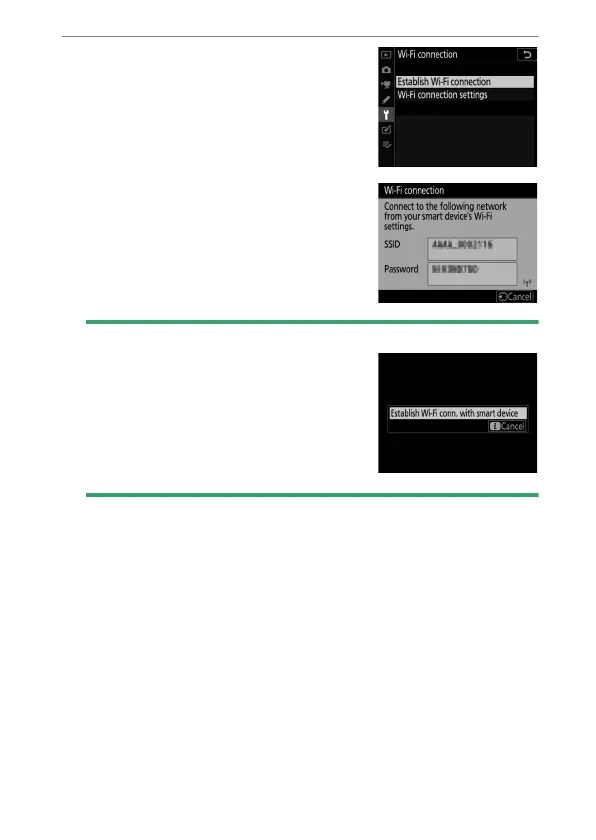
Camera: Enable Wi-Fi.
Select [Connect to smart device] >
[Wi-Fi connection] in the setup
menu, then highlight [Establish
Wi-Fi connection] and press
J
.
The camera SSID and password will
be displayed.
D
Enabling Wi-Fi
You can also enable Wi-Fi by selecting
[Wi-Fi connection]> [Establish Wi-Fi
conn. with smart device] in the
i
menu
for shooting mode.



 To Next Page