420
Network Connections
6
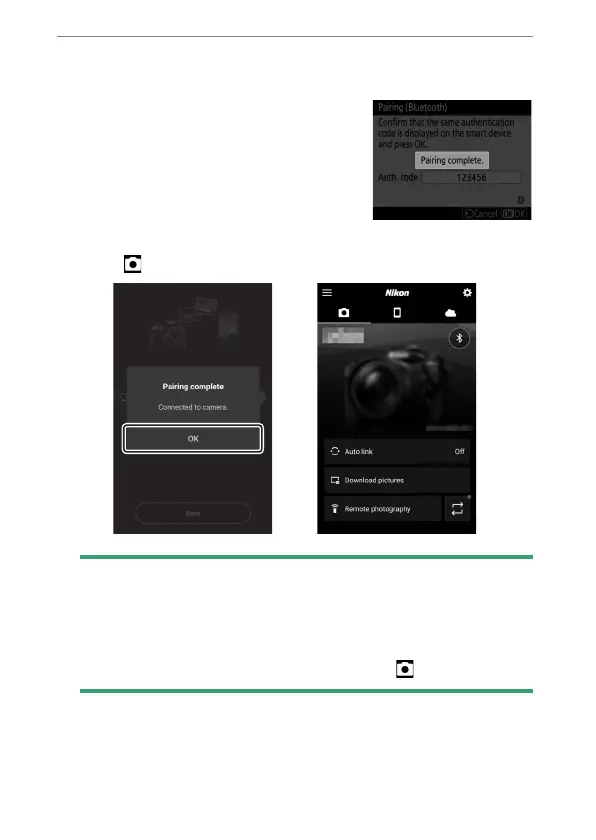
Camera/Android device: Follow the on-screen
instructions.
•
Camera: Press
J
. The camera will
display a message stating that the
devices are connected.
•
Android device: Pairing is complete. Tap [OK] to exit to
the tab.
D
Pairing for the First Time
The first time you pair the Android device with a camera after
installing the SnapBridge app, you will be prompted to select auto
link (auto upload and auto clock and location synchronization)
options. This prompt will not appear again, but auto link settings can
be accessed at any time using [Auto link] in the tab.



 To Next Page