429
Network Connections
❚❚
Connecting to a Paired Device
Connecting to a smart device that has already been paired with
the camera is quick and easy.
1
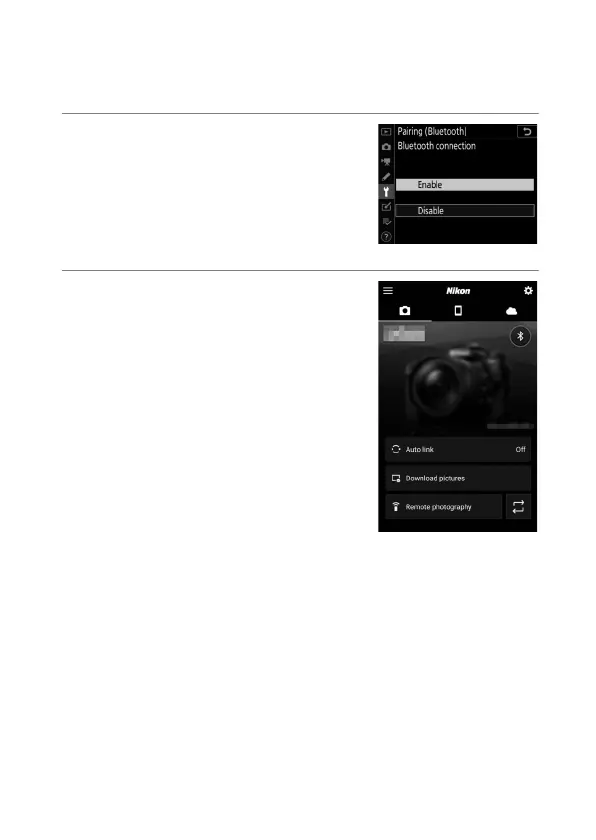
Camera: Enable Bluetooth.
In the setup menu, select [Connect
to smart device]> [Pairing
(Bluetooth)]> [Bluetooth
connection], then highlight
[Enable] and press
J
.
2
Smart device: Launch the
SnapBridge app.
A Bluetooth connection will be
established automatically.



 To Next Page