448
Network Connections
3
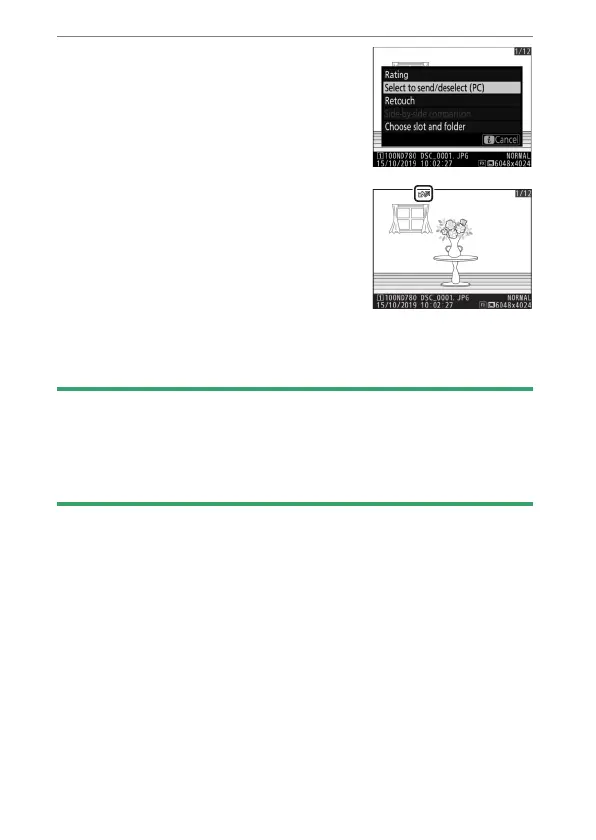
Choose [Select to send/
deselect (PC)].
Highlight [Select to send/deselect
(PC)] and press
J
. A white transfer
icon will appear on the picture. If the
camera is currently connected to a
network, upload will begin
immediately; otherwise, upload will
begin when a connection is
established. The transfer icon turns green during upload.
Repeat Steps 2–3 to upload additional images.
D
Deselecting Pictures
•
To remove transfer marking from selected pictures, repeat Steps 2 and
3.
•
To remove transfer marking from all pictures, select [Connect to
PC]>[Options]> [Deselect all?] in the setup menu.



 To Next Page