472
On-Camera Flash Photography
3
Set the flash unit to the appropriate mode.
Turn the flash unit on and select [TTL] or [Auto external
flash] for [Flash control]> [Flash control mode] (SB-5000,
SB-500, SB-400, or SB-300) or set the flash control mode to
TTL, monitor pre-flash
q
A, or monitor pre-flash A (other
flash units; see the documentation provided with the flash
unit for details).
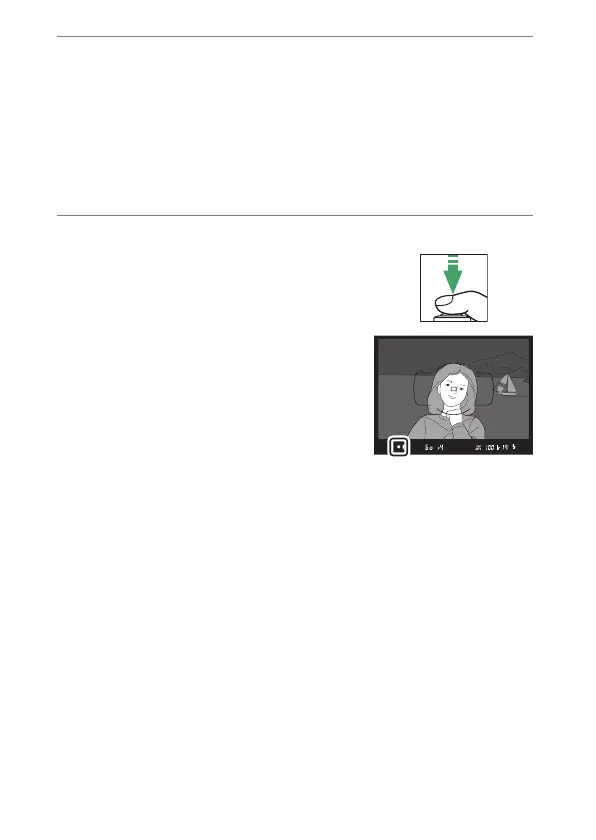
4
Focus.
Position the subject in the center of
the frame and press the shutter-
release button halfway to focus.



 To Next Page