483
Remote Flash Photography
D
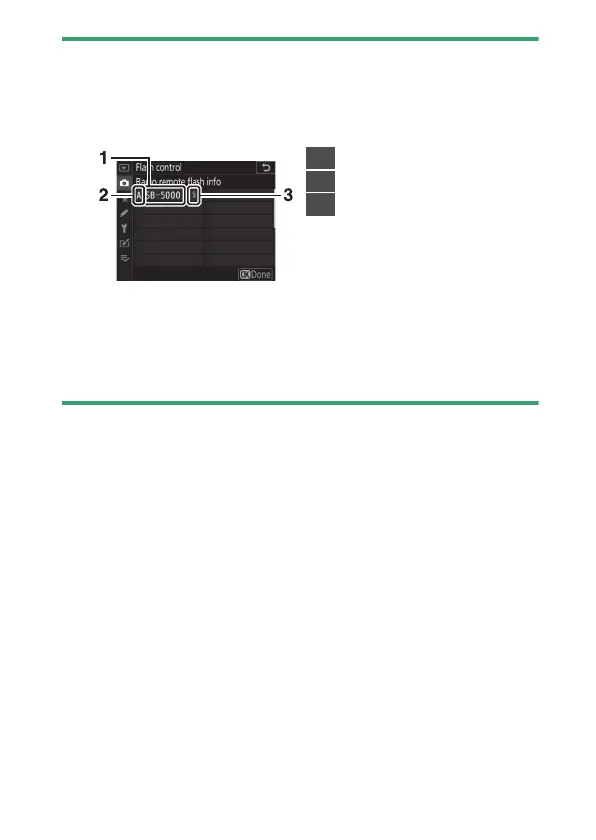
Listing Remote Flash Units
To view the flash units currently controlled using radio AWL, select [Flash
control]> [Radio remote flash info] in the photo shooting menu. The
identifier (remote flash unit name) for each unit can be changed using
flash unit controls.
D
Reconnecting
As long as the channel, link mode, and other settings remain the same,
the WR-R10 will automatically connect to previously paired flash units
when you select remote mode and Steps 3–5 can be omitted. The flash
unit LINK lamp lights green when a connection is established.
1
Connected flash unit
2
Group
3
Flash-ready indicator



 To Next Page