510
Remote Flash Photography
D
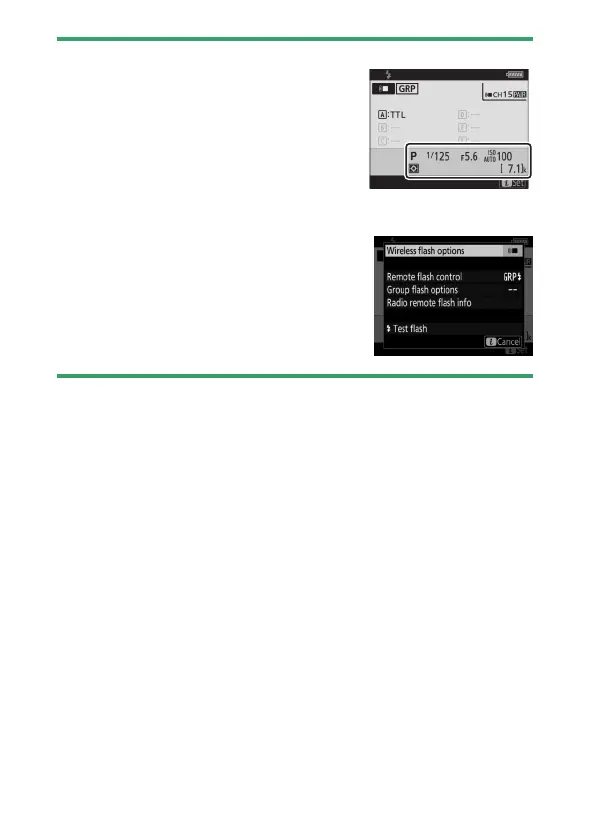
Flash Info and Camera Settings
The flash information display shows selected
camera settings, including shooting mode,
shutter speed, aperture, and ISO sensitivity.
D
Changing Flash Settings
Flash settings can be changed by pressing the
i
button in the flash info display. The options
available vary with the flash unit and the
settings selected. You can also test-fire the
flash.



 To Next Page