534
Menu Guide >
D
The Playback Menu
4
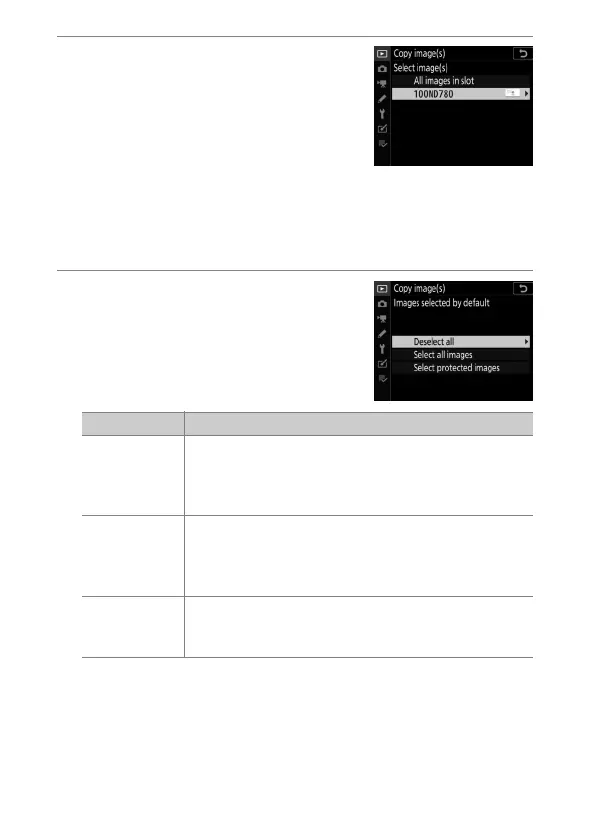
Select the source folder.
•
Highlight the folder containing the
images to be copied and press
2
to
select the highlighted folder and
display the [Images selected by
default] menu.
•
To copy all pictures from the card in the selected slot,
highlight [All images in slot], press
J
, and proceed to
Step 10.
5
Make the initial selection.
Choose the pictures that will be
selected by default.
Option Description
[Deselect all]
None of the pictures in the chosen folder will be
selected by default.
•
Choose this option when you want to select
pictures individually.
[Select all
images]
All of the pictures in the chosen folder will be
selected by default.
•
Choose this option if you want to copy all or most
of the pictures in the folder.
[Select
protected
images]
Only the protected images in the folder will be
selected by default.



 To Next Page