585
Menu Guide >
1
The Movie Shooting Menu
D
HDMI Devices
Selecting [On (with HDMI output)] for [Record timecodes] may disrupt
footage output to HDMI devices.
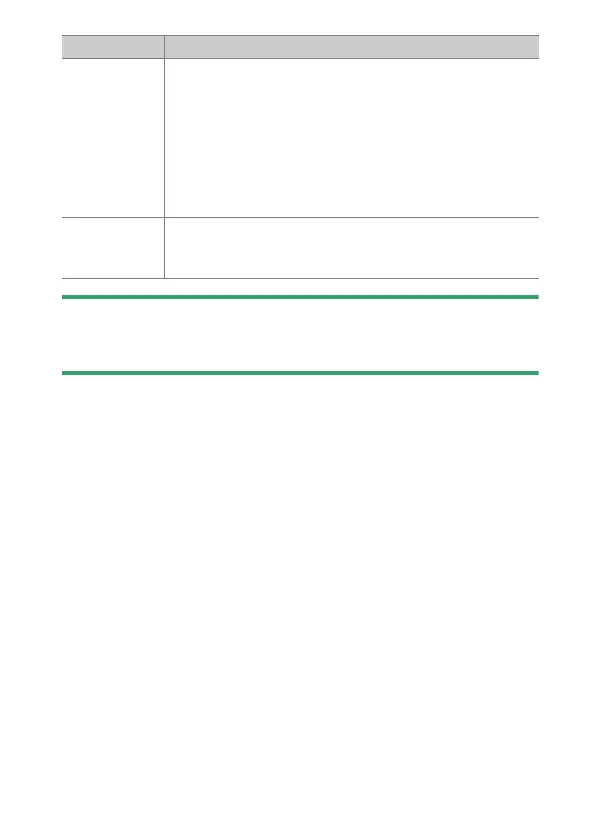
[Timecode
origin]
•
[Reset]: Reset the time code to 00:00:00.00.
•
[Enter manually]: Enter the hour, minute, second, and
frame number manually.
•
[Current time]: Set the time code to the current time
as reported by the camera clock. Before using this
option, select [Time zone and date] in the setup menu
and confirm that the camera clock is set to the correct
date and time.
[Drop frame]
Select [On] to compensate for discrepancies between
the frame count and the actual recording time at frame
rates of 30 and 60 fps.
Option Description



 To Next Page