646
Menu Guide >
A
Custom Settings
•
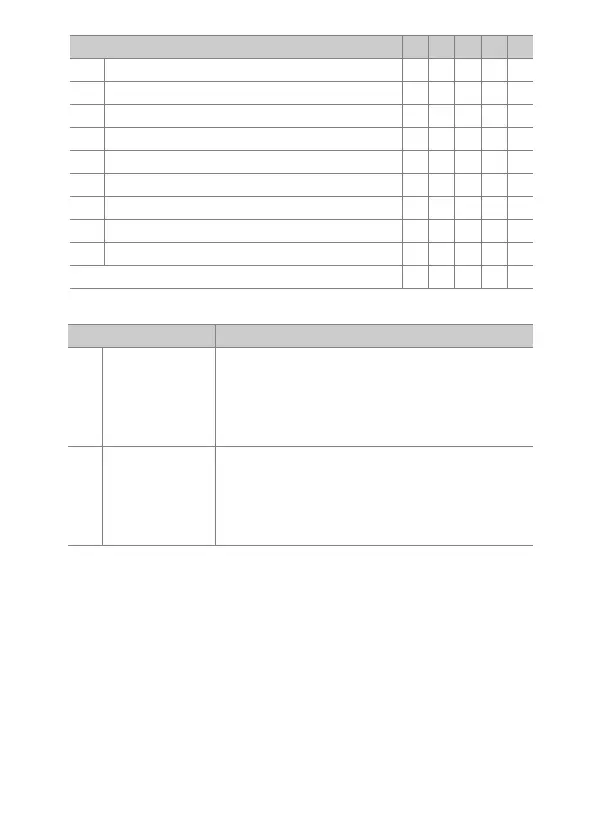
The following options are available:
J
[Choose image area]
44
———
y
[Active D-Lighting]
44
———
A
[AF-ON]——
44
—
F
[AF lock only]——
44
—
E
[AE lock (Hold)]——
44
—
C
[AE lock only]——
44
—
B
[AE/AF lock]——
44
—
C
[Take photos] ————
4
1
[Record movies] ————
4
[None]
4444
—
Option Description
t
[Power
aperture
(open)]
Aperture widens while the Pv button is pressed.
Use in combination with Custom Setting g2
[Custom controls]> [Fn button]> [Power
aperture (close)] for button-controlled
aperture adjustment.
q
[Power
aperture
(close)]
Aperture narrows while the Fn button is
pressed. Use in combination with Custom
Setting g2 [Custom controls]> [Preview
button]> [Power aperture (open)] for button-
controlled aperture adjustment.
Option
0 2 ! V G



 To Next Page