715
Menu Guide >
N
The Retouch Menu
3
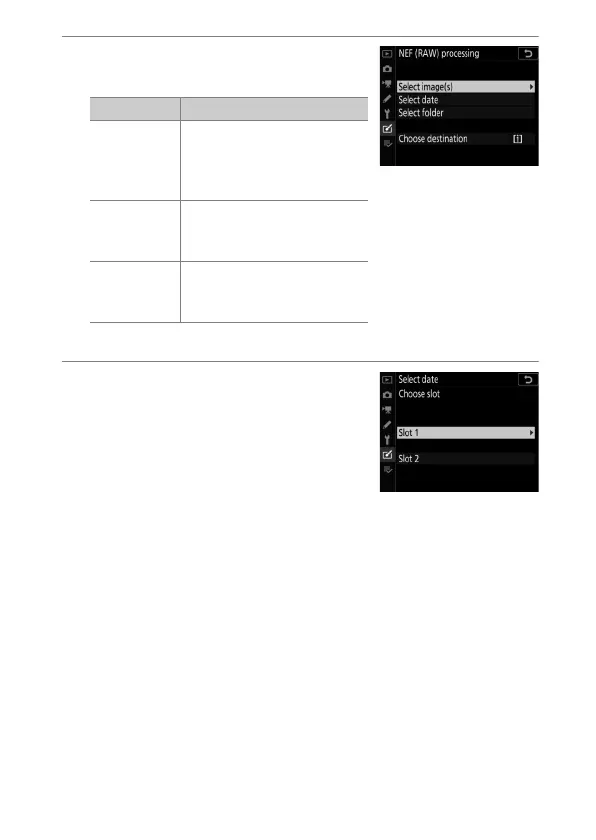
Choose how images are
selected.
If you chose [Select image(s)], proceed to Step 5.
4
Select the source slot.
•
Highlight the slot with the card
containing the NEF (RAW) images
and press
2
.
•
You will not be prompted to select
the slot if only one memory card is
inserted.
Option Description
[Select
image(s)]
Create JPEG copies of
selected NEF (RAW) images.
Multiple NEF (RAW) images
can be selected.
[Select
date]
Create JPEG copies of all
the NEF (RAW) images
taken on selected dates.
[Select
folder]
Create JPEG copies of all
the NEF (RAW) images in a
selected folder.



 To Next Page