747
Menu Guide >
O
MY MENU/
m
RECENT SETTINGS
❚❚
Removing Items from My Menu
1
Select [Remove items] in [
O
MY MENU].
Highlight [Remove items] and press
2
.
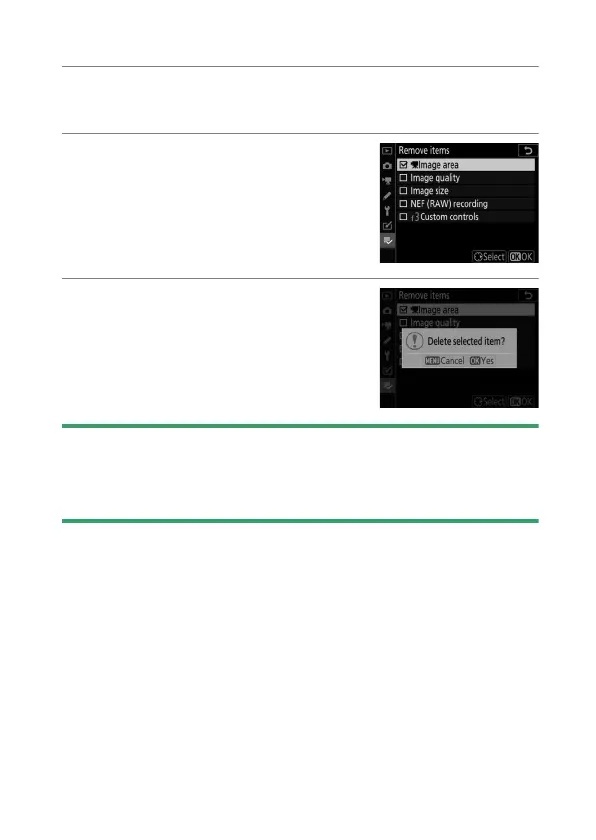
2
Select items.
•
Highlight items and press
2
to
select (
M
) or deselect.
•
Continue until all the items you
wish to remove are selected (
L
).
3
Remove the selected items.
Press
J
; a confirmation dialog will be
displayed. Press
J
again to remove
the selected items.
D
Removing Items While in My Menu
Items can also be removed by highlighting them in [
O
MY MENU] and
pressing the
O
(
Q
) button; a confirmation dialog will be displayed. Press
O
(
Q
) again to remove the selected item.



 To Next Page