38
Basic Photography and Playback
4
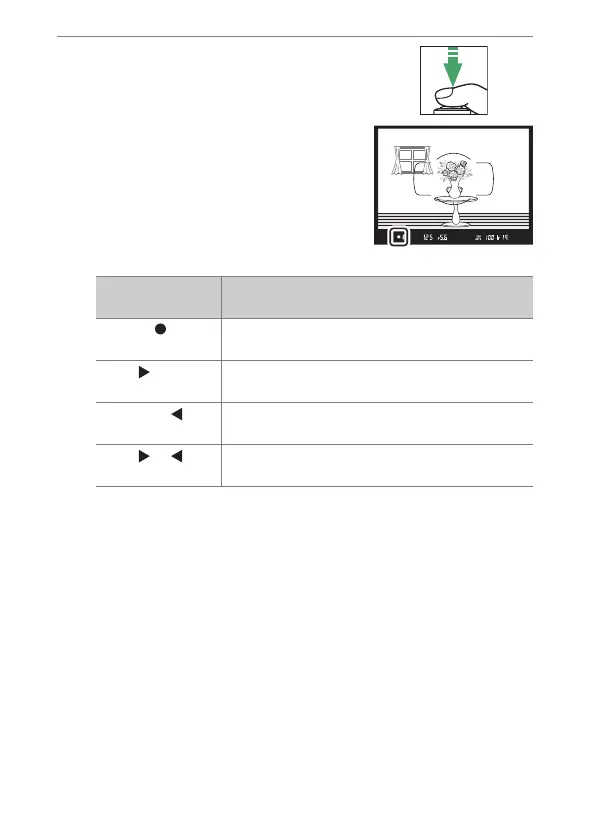
Press the shutter-release
button halfway to focus.
•
The in-focus indicator (
I
) will
appear in the viewfinder when the
focus operation is complete.
•
The active focus point is displayed in the viewfinder.
Viewfinder
display
Description
(steady)
The subject is in focus.
(steady)
The focus point is in front of the subject.
(steady)
The focus point is behind the subject.
(flashes)
The camera is unable to focus using autofocus.



 To Next Page