815
Technical Notes
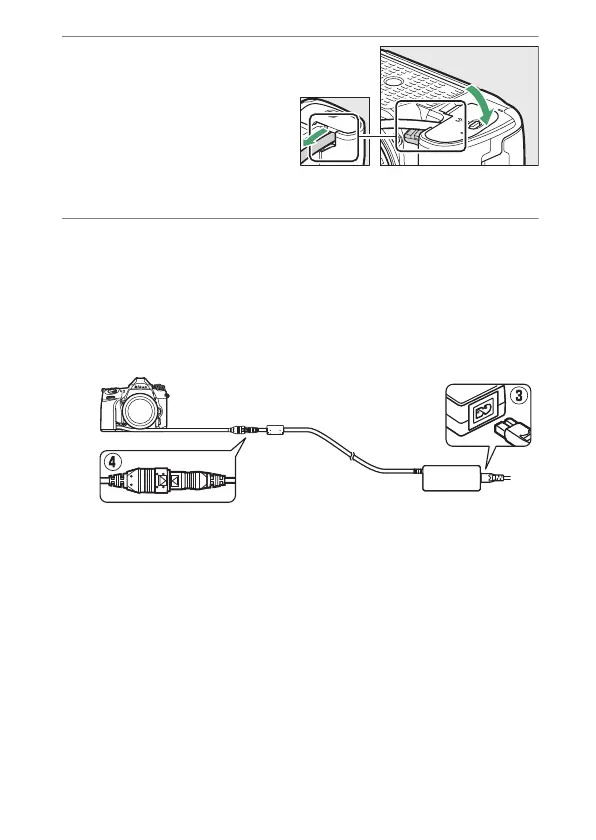
3
Close the battery-
chamber cover.
Position the power
connector cable so that it
passes through the power
connector slot and close
the battery-chamber cover.
4
Connect the EH-5d/EH-5c/EH-5b AC adapter.
•
Connect the AC adapter power cable to the AC socket on
the AC adapter (
e
).
•
Connect the power cable to the DC socket (
r
).
•
A
P
icon is displayed in the monitor when the camera is
powered by the AC adapter and power connector.



 To Next Page