41
Basic Photography and Playback
4
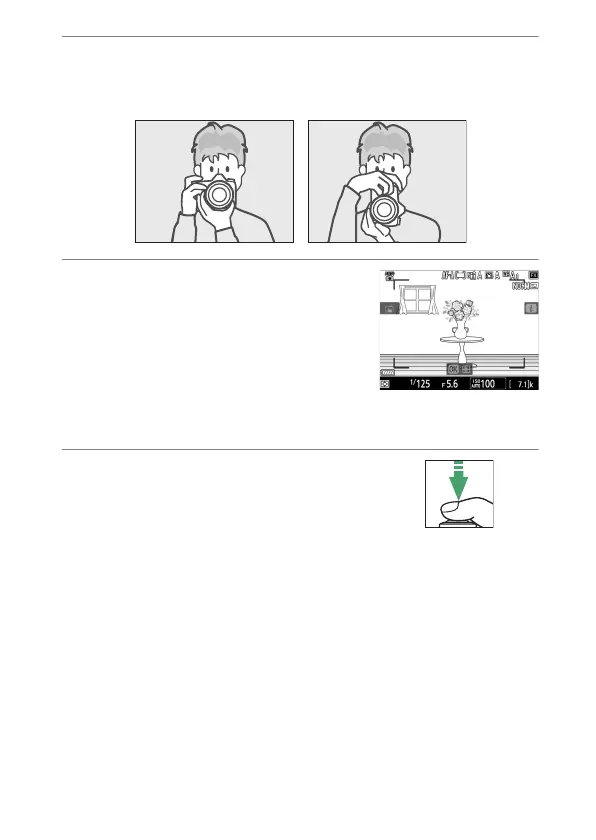
Ready the camera.
Hold the handgrip securely in your right hand and cradle the
camera body or lens with your left.
5
Frame the photograph.
•
Position the subject near the center
of the frame.
•
At default settings, the camera
automatically detects portrait
subjects and positions the focus
point over their faces or eyes.
6
Press the shutter-release
button halfway to focus.
If the camera is able to focus, the
focus point will be displayed in
green. If the camera is unable to focus, for example because
the subject is too close to the camera, the focus area will
flash red.



 To Next Page