824
Technical Notes
❚❚
Using the Menus
•
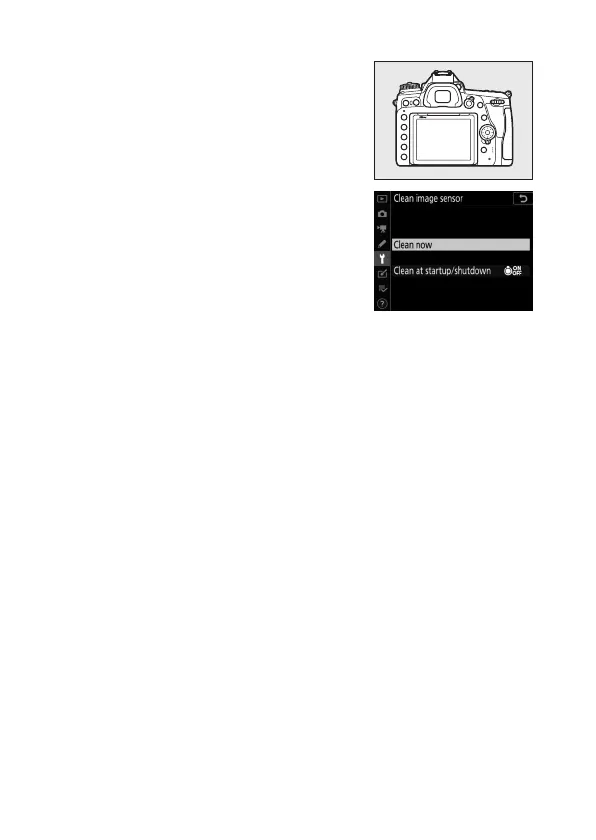
For maximum effect, hold the camera
in normal orientation (base down).
•
Select [Clean image sensor] in the
setup menu, then highlight [Clean
now] and press
J
to begin cleaning.
•
Camera controls cannot be used while
cleaning is in progress. Do not remove
or disconnect the power source.
•
The setup menu will be displayed when cleaning is complete.



 To Next Page