ACCESS GATEWAY
98 System Administration
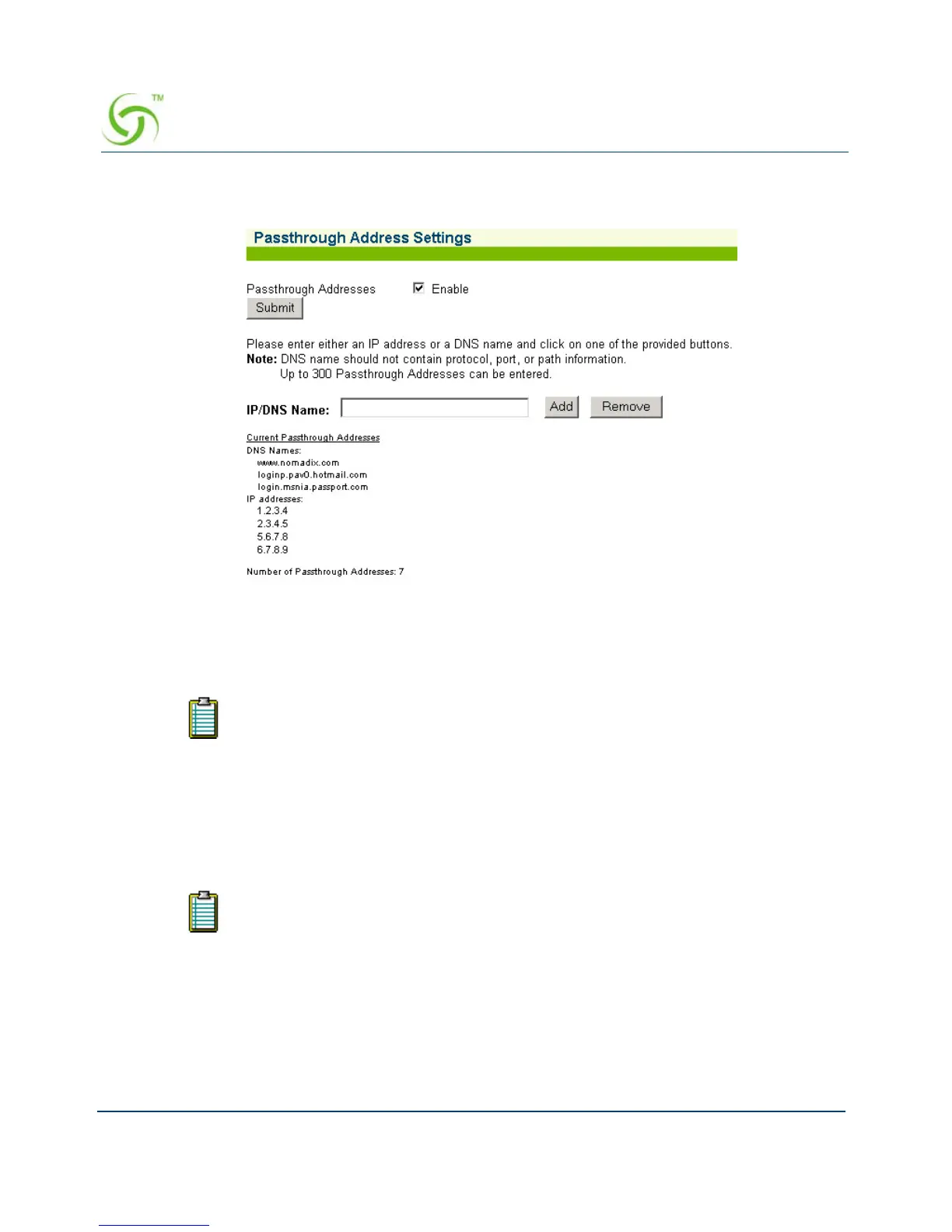
1. From the Web Management Interface, click on Configuration, then Passthrough
Addresses. The Passthrough Address Settings screen appears:
2. If required, enable Passthrough Addresses, then click on the Submit button.
3. In the IP/DNS Name field, enter the IP address or DNS name of the pass-through you want
to add or remove from the system.
4. If adding this pass-through, click on the Add button, otherwise click on Remove to delete
this pass-through from the list.
Assigning a PMS Service {PMS}
The Access Gateway can be integrated with existing Property Management Systems. For
example, by integrating with a hotel’s PMS, the Access Gateway can post charges for Internet
access directly to a guest’s hotel bill. In this case, the guest is billed only once. The Access
Gateway outputs a call accounting record to the PMS system whenever a subscriber purchases
Internet service and decides to post the charges to their room. The Access Gateway offers
“post-paid” PMS billing functionality for all supported PMS interfaces, providing hotel guests
The system only accepts route DNS names (for example, www.nomadix.com). Do
not include protocol, port, or path information.
Your product license may not support this feature.



 To Next Page