ACCESS GATEWAY
220 System Administration
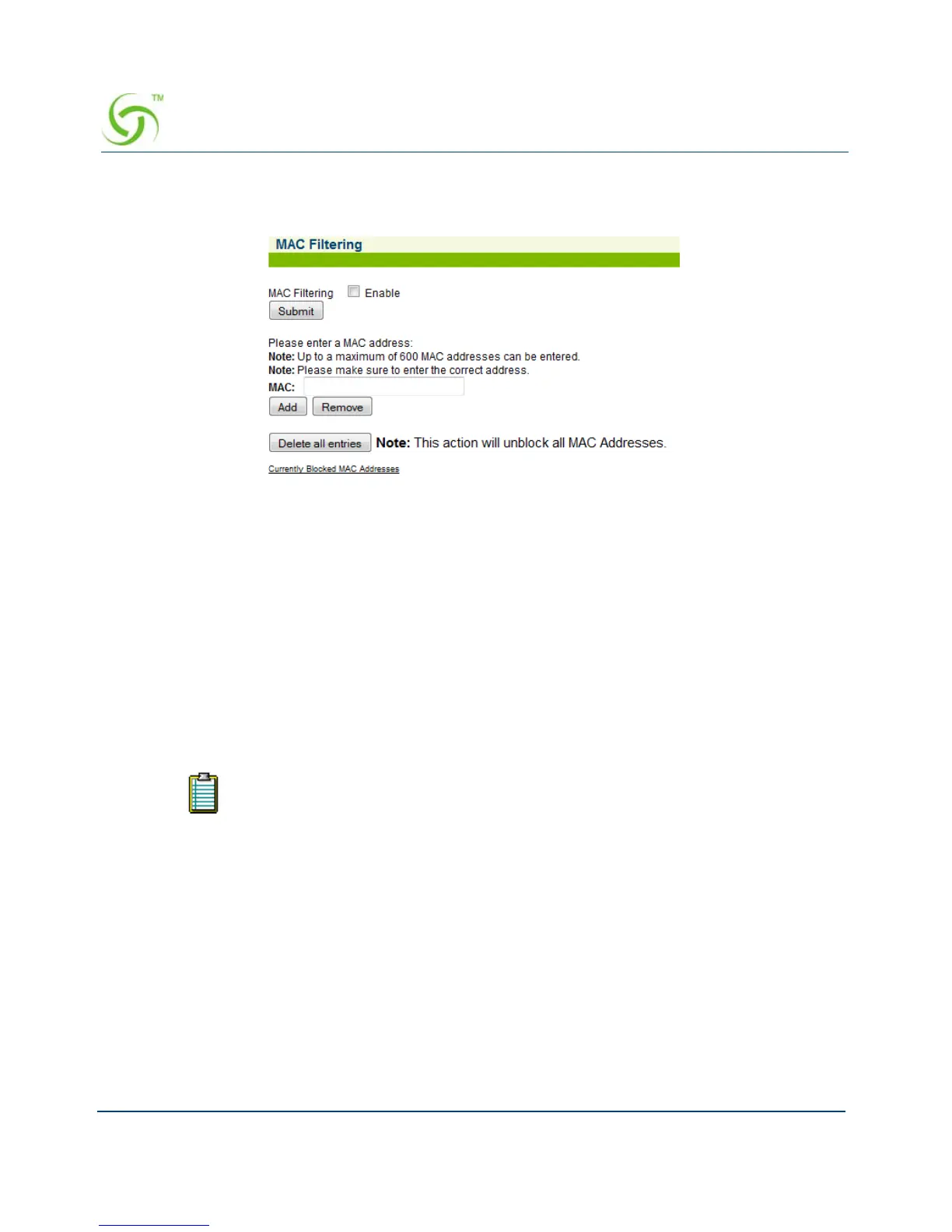
1. From the Web Management Interface, click on System, then MAC Filtering. The MAC
Filtering screen appears:
2. Click on the check box for MAC Filtering to enable (or disable) this feature, as required.
3. Enter a MAC address in the MAC field, then click on the Add button to add this address to
the “blocked” list, or click on the
Remove button to remove this address from the list.
For advanced security, see also, “Establishing Session Rate Limiting {Session Limit}” on
page 222.
Rebooting the System {Reboot}
This procedure shows you how to reboot the Access Gateway.
The “reboot” procedure outlined on this page allows you to decide when to
reboot (if you are making multiple changes to different menu functions and you
want to reboot just one time after completing all your changes).



 To Next Page