ACCESS GATEWAY
System Administration 53
Managed objects are arranged into a virtual information database, called a Management
Information Base (MIB). SNMP enables managers and agents to communicate with each other
for the purpose of accessing these MIBs and retrieving data. See also, “Installing the Nomadix
Private MIB” on page 48.
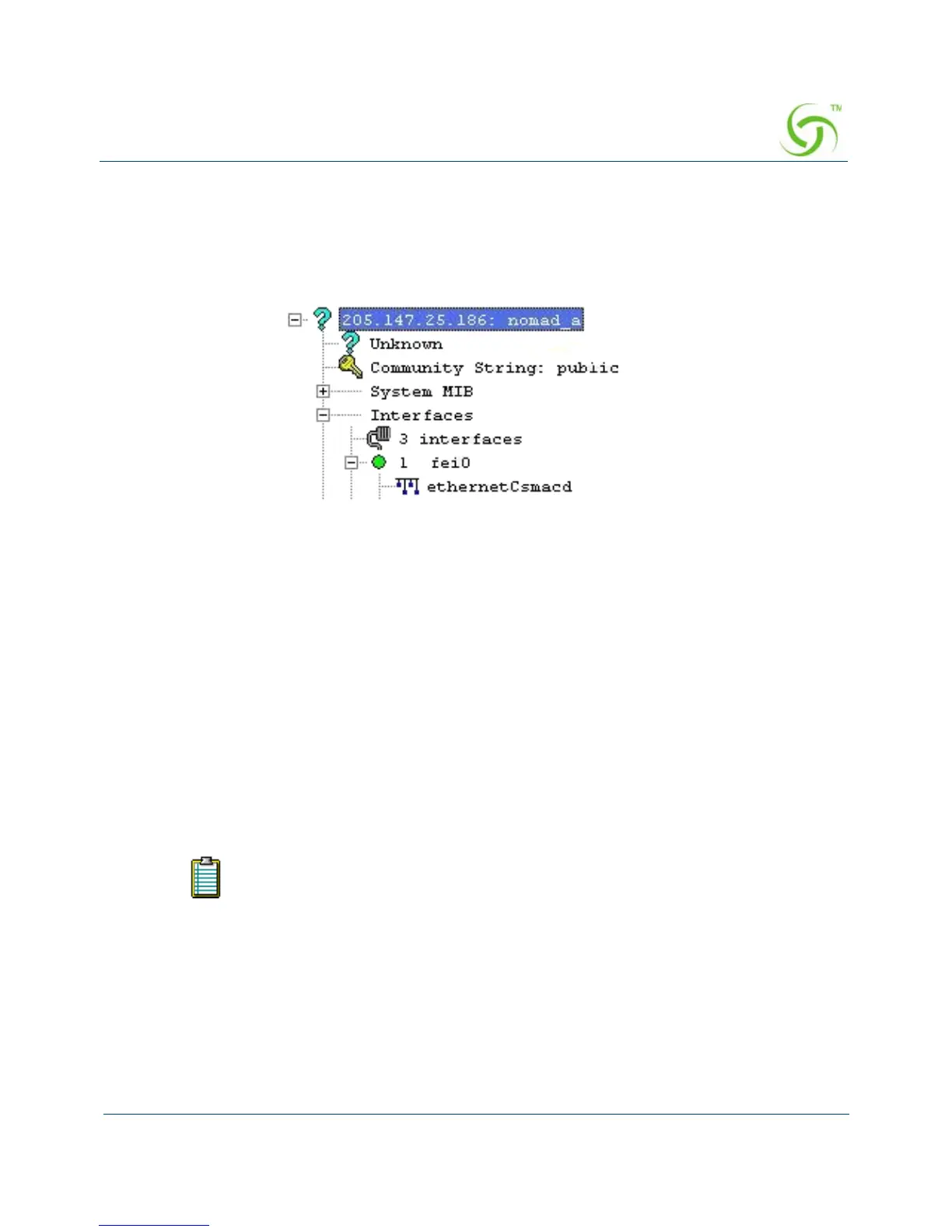
The following example shows a (partial) SNMP screen response.
Using a Telnet Client
There are many Telnet clients that you can use to connect with the Access Gateway. Using
Telnet provides a simple terminal emulation that allows you to see and interact with the Access
Gateway’s Command Line Interface (as if you were connected via the serial interface). As
with any remote connection, the network interface IP address for the Access Gateway must be
established (you did this during the installation process).
Logging In
To access the Access Gateway’s Web Management Interface, use the Manager or Operator
login user name and password you defined during the installation process (refer to Assigning
Login User Names and Passwords).
About Your Product License
Some features included in this section will not be available to you unless you have purchased
the appropriate product license from Nomadix. In this case, the following statement will
User names and passwords are case-sensitive.



 To Next Page