ACCESS GATEWAY
Installing the Access Gateway 45
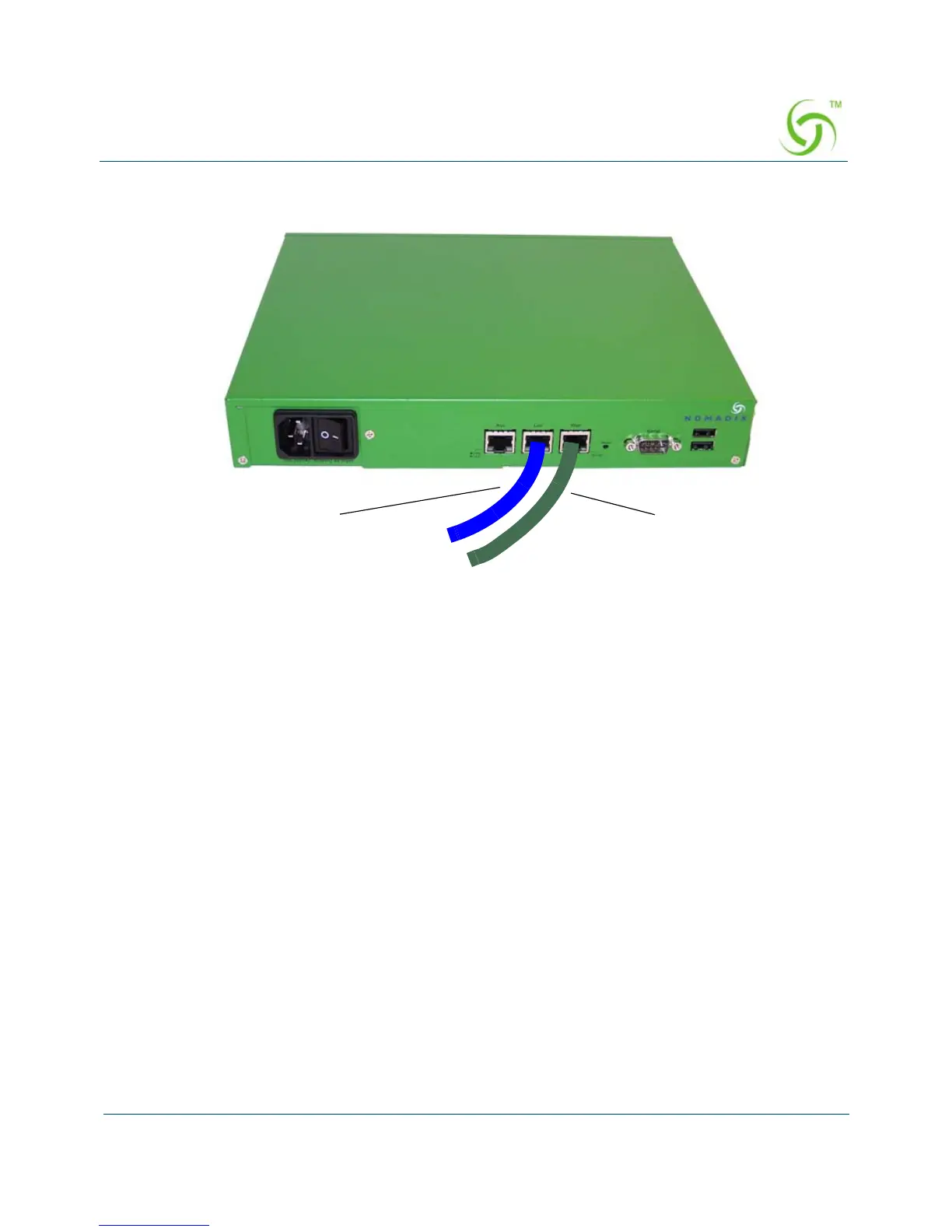
3. Connect the power cord and turn on the Access Gateway.
4. Go to “Establishing the Basic Configuration for Subscribers” on page 45.
Establishing the Basic Configuration for Subscribers
When you have successfully established the start up configuration and installed the unit onto
the customer’s network, connect to the Access Gateway via Telnet. You must now set up the
basic configuration parameters for subscribers, including:
Setting the DHCP Options – DHCP (Dynamic Host Configuration Protocol) allows
you to assign IP addresses automatically (to subscribers who are DHCP enabled). The
Access Gateway can “relay” the service through an external DHCP server or it can be
configured to act as its own DHCP server.
Setting the DNS Options – DNS (Domain Name System) allows subscribers to enter
meaningful URLs into their browsers (instead of complicated numeric IP addresses).
DNS converts the URLs into the correct IP addresses automatically.
Setting the DHCP Options
When a device connects to the network, the DHCP server assigns it a “dynamic” IP address for
the duration of the session. Most users have DHCP capability on their computer. To enable this
service on the Access Gateway, you can either enable the DHCP relay (routed to an external
DHCP server IP address), or you can enable the Access Gateway to act as its own DHCP



 To Next Page