ACCESS GATEWAY
System Administration 211
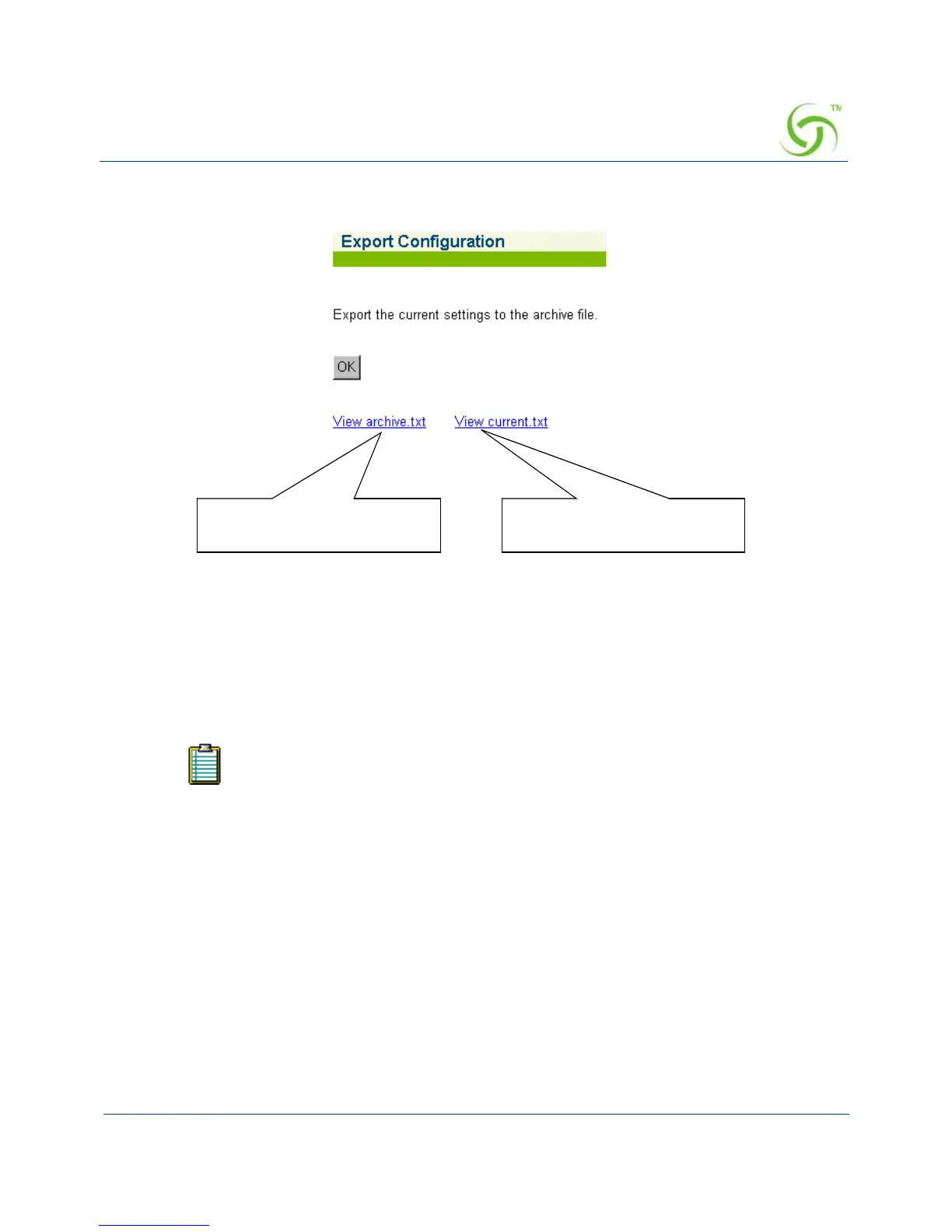
1. From the Web Management Interface, click on System, then Export. The Export
Configuration screen appears:
2. Click on the OK button to export the current authentication settings to the archive.txt file.
Importing the Factory Defaults {Factory}
This procedure shows you how to replace the current authentication settings with the settings
that were established at the factory.
You will need to reboot the system for some of the imported default settings to
take effect.



 To Next Page