ACCESS GATEWAY
System Administration 161
Displaying the Port-Location Mappings {List}
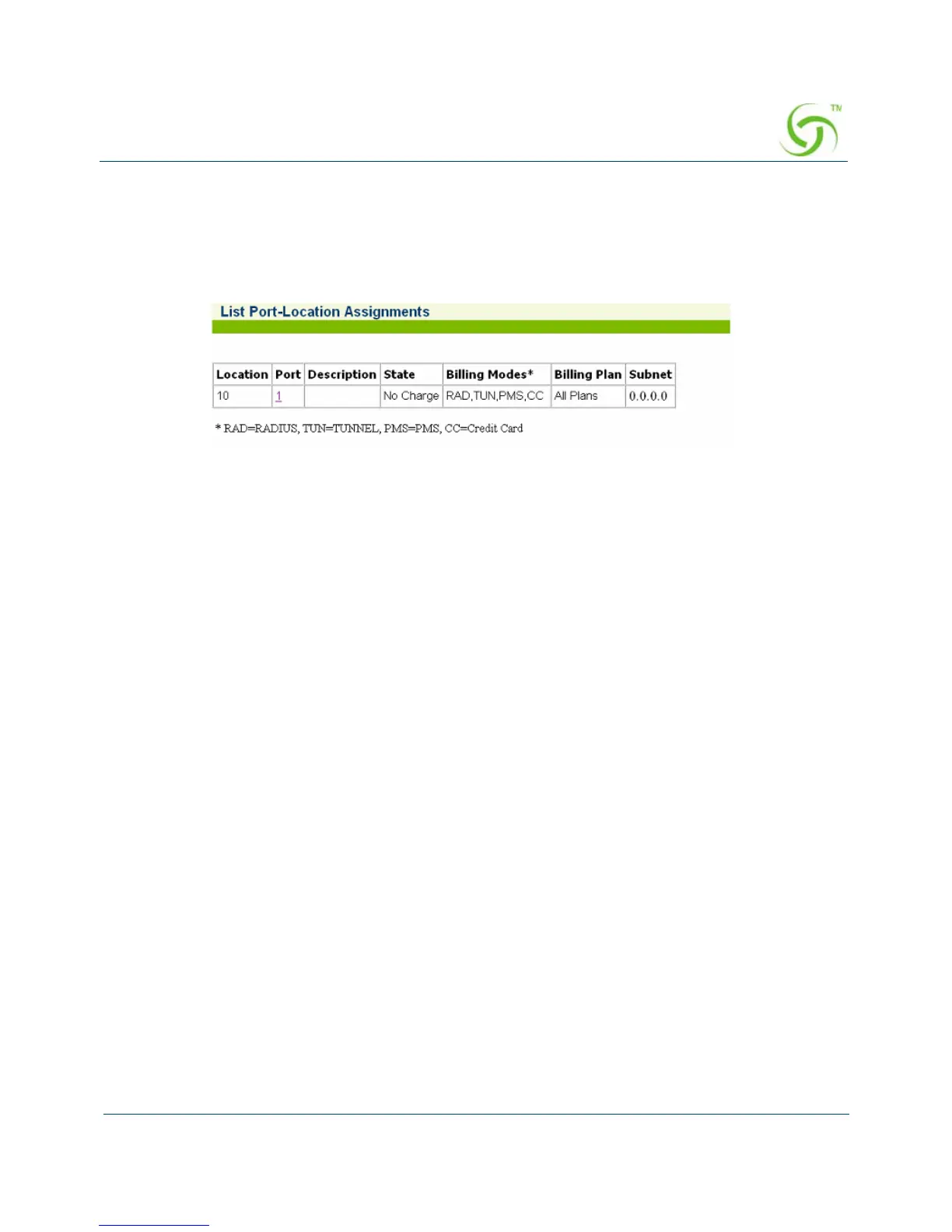
You can display a listing of all port-locations assigned to this system.
To view the listing of port-location assignments, go to the Web Management Interface, click
on
Network Info, then click on List. The List Port-Location Assignments screen appears:
Subscriber Administration Menu
Adding Subscriber Profiles {Add}
This procedure shows you how to add subscriber profiles into a table of authorized users.
Three types of subscriber profiles are provided; see the following sections for configuration
information for the different profile types:
“Adding a Subscriber Type Profile” on page 162
“Adding a Device Type Profile” on page 164
“Adding a Group Type Profile” on page 165
For more information about subscriber access and billing options, see the following sections:
“Authorization and Billing” on page 228
“Subscriber Management” on page 234
“Subscriber Management Models” on page 234
“Configuring the Subscriber Management Models” on page 235



 To Next Page