ACCESS GATEWAY
System Administration 141
Network Info Menu
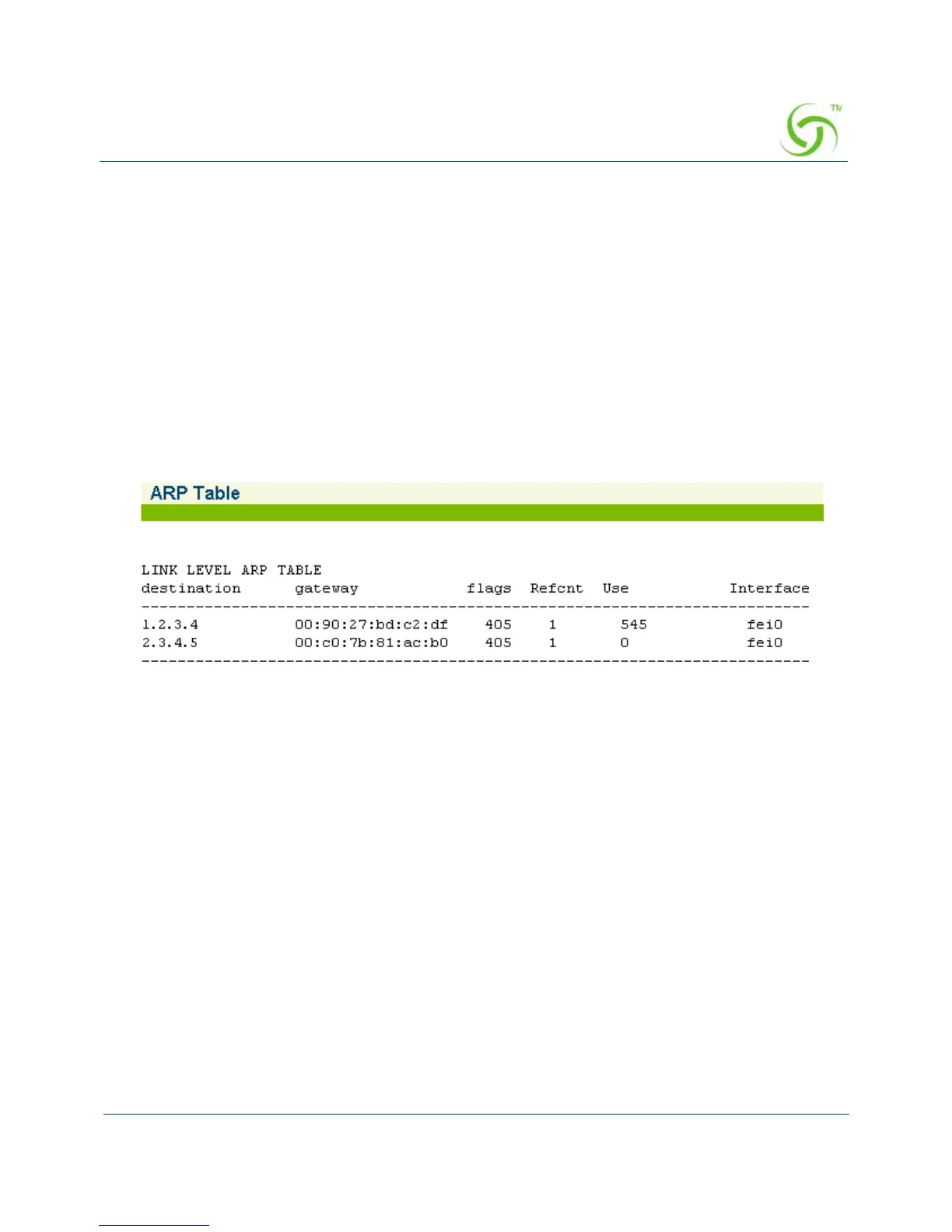
Displaying ARP Table Entries {ARP}
You can display a table that shows the current status of the ARP (Address Resolution Protocol)
assignments. ARP is used to dynamically bind a high level IP address to a low level physical
hardware (MAC) address. ARP is limited to a single physical network that supports hardware
broadcasting.
To view the ARP Table, go to the Web Management Interface, click on
Network Info, then
click on
ARP.
The ARP Table screen appears:
Displaying DAT Sessions {DAT}
Dynamic Address Translation (DAT) allows all users to obtain network access, regardless of
their computer’s network settings.
To view the DAT Session Table, go to the Web Management Interface, click on
Network Info,
then click on
DAT.



 To Next Page