ACCESS GATEWAY
Quick Reference Guide 277
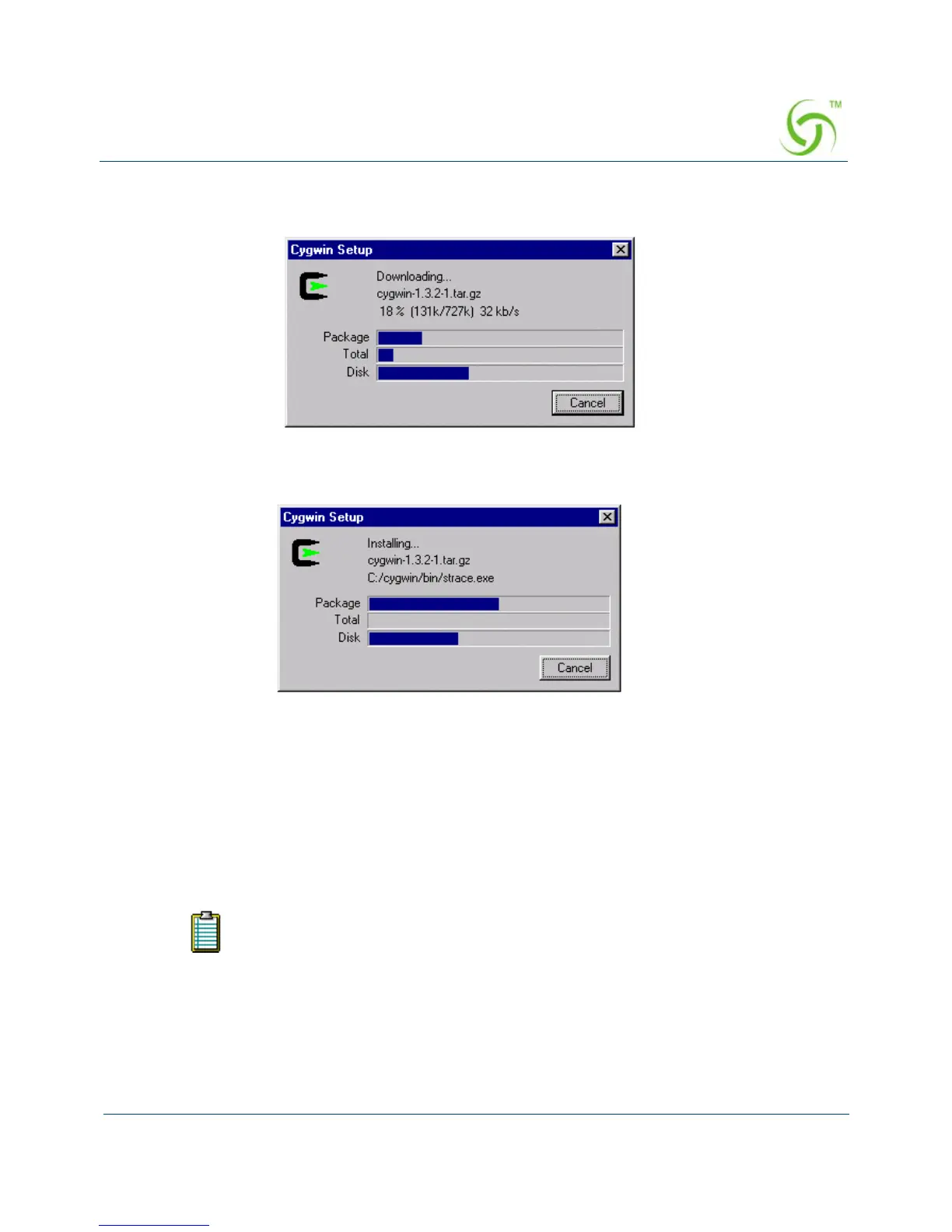
Click on the Next button to start the “download” process. Wait for the download process to
complete.
Click on the
Next button to start the “install” process. Wait for the install process to complete.
There will be a pop-up dialog to inform you that the installation process is completed. At the
pop-up dialog, click on the
OK button.
Private Key Generation
Create a directory from Root and put 5 random files, a.dat, b.dat, c.dat, d.dat, and e.dat (see
note) into the C:\cygwin\bin\ directory (or the directory where you installed openssl.exe).
These random files can be any file type, such as Word, Excel, etc. Change the files
to .dat files (shown above). All files must follow the DOS naming format
(maximum 8 characters).



 To Next Page