ACCESS GATEWAY
System Administration 221
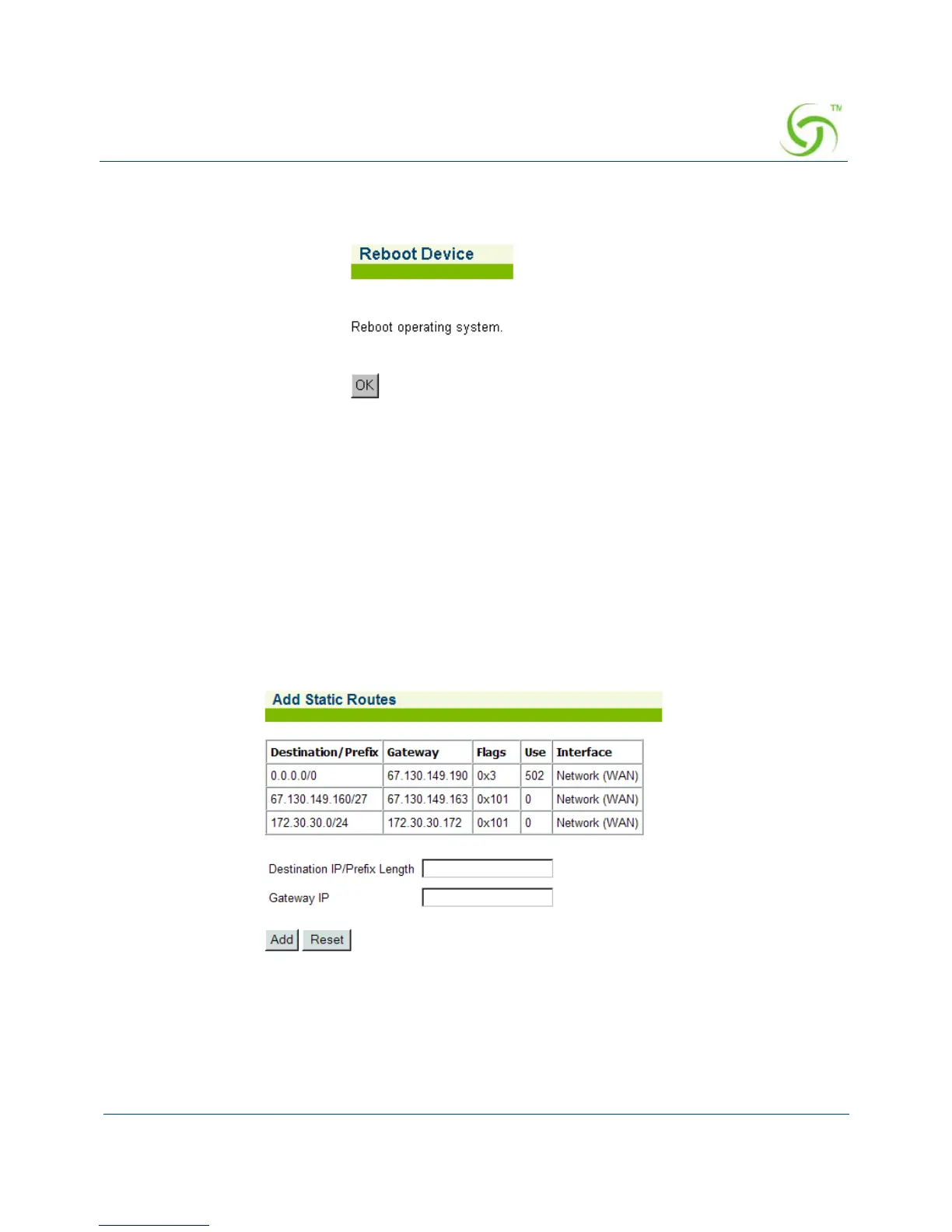
1. From the Web Management Interface, click on System, then Reboot. The Reboot Device
screen appears:
2. Click on OK to reboot the operating system.
Adding a Route {Route Add}
This procedure shows you how to add a route into the Access Gateway’s routing table. This is
accomplished by establishing the route’s destination IP address, and by setting the gateway or
router IP address by which the route’s destination can be reached.
1. From the Web Management Interface, click on System, then Route Add. The Add Static
Routes screen appears:
2. Enter the Destination IP/Prefix Length address of the route you want to add to the routing
table. This is the Destination IP or Subnet that the Route is trying to reach included with
the /prefix length to determine how large the subnet might be.
3. Enter the Gateway IP address for the Route being added so that the NSE knows what to
use to try to reach the destination IP/Subnet.



 To Next Page