ACCESS GATEWAY
System Administration 215
(walled garden) list. The default setting for this option is “disabled” because ICMP pass-
through is a useful end-user troubleshooting feature and is also required by certain smart
clients (for example, GRIC).
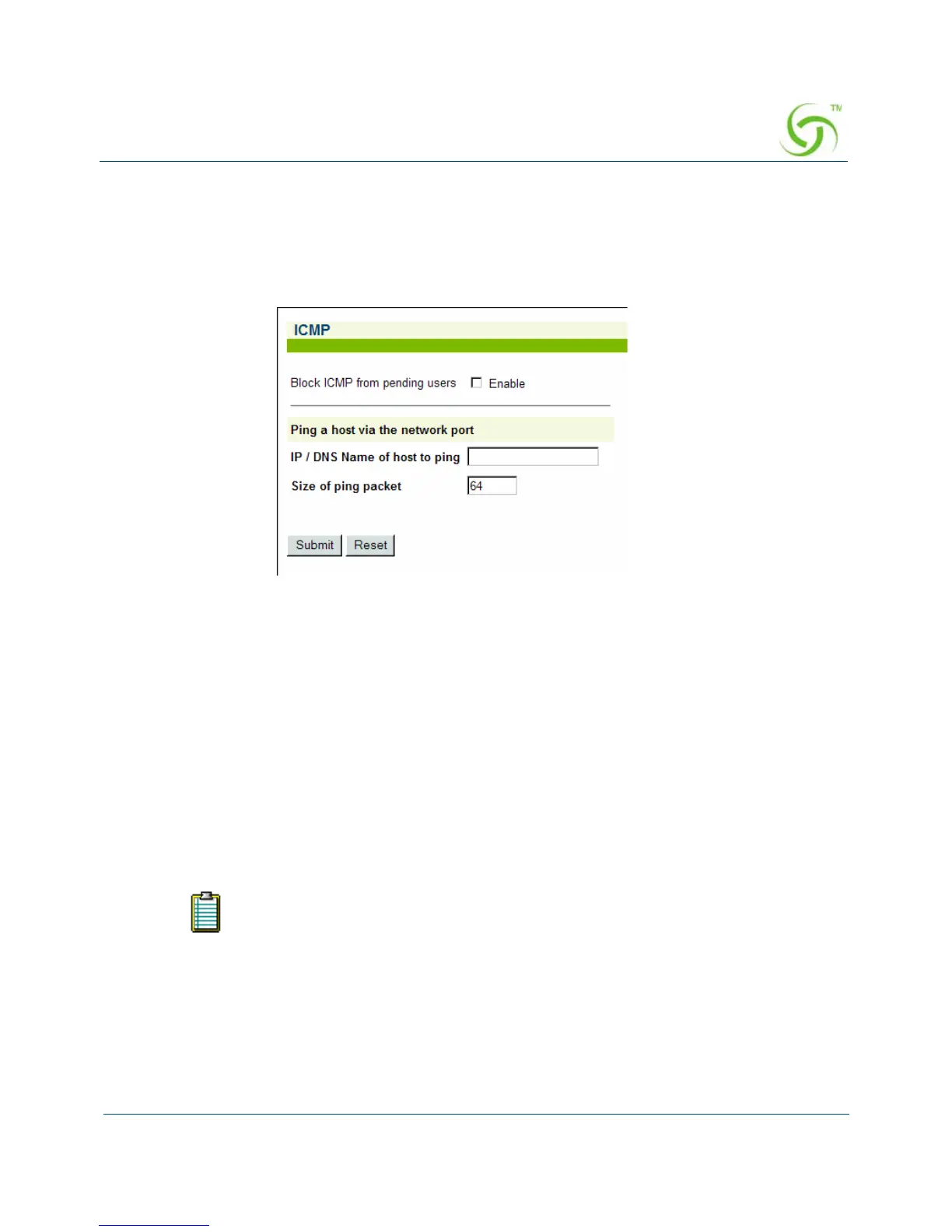
1. From the Web Management Interface, click on System, then ICMP. The ICMP screen
appears:
2. Click on the check box for Block ICMP from pending users to enable (or disable) this
feature, as required.
3. You can Ping a host via the network port by entering either an IP address or DNS name
of host. This is the site that you want the ping to be sent to from the NSE.
4. Click on the Submit button to save your changes, or click on the Reset button to reset all
values to their previous state.
Importing Configuration Settings from the Archive File {Import}
This procedure shows you how to restore the system configuration settings from an archive file
(previously created with the export function).
You will need to reboot the system for some of the imported default settings to
take effect (especially DHCP).



 To Next Page