ACCESS GATEWAY
System Administration 219
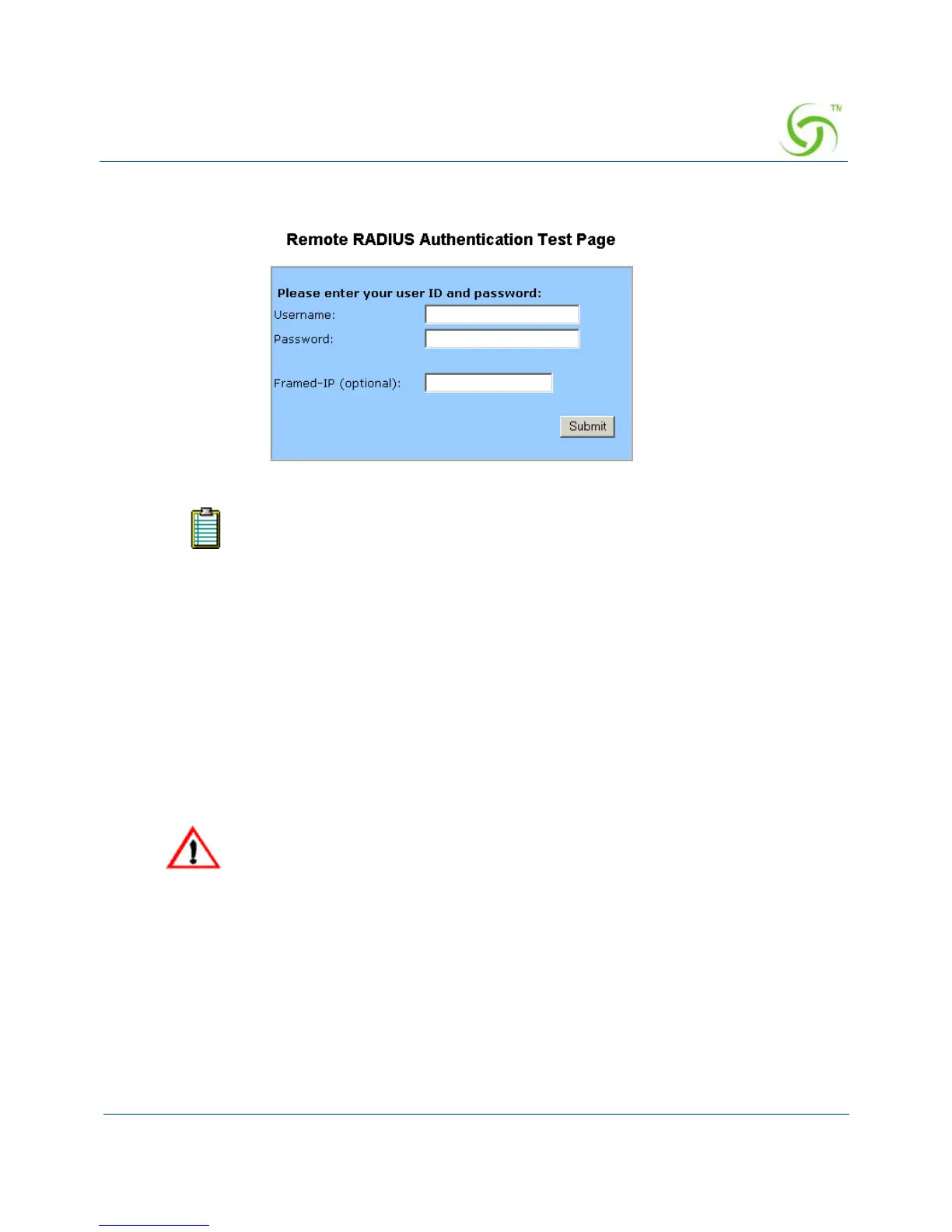
10. Managers Only: If RADIUS is enabled, you can enter a login name in the RADIUS
Remote Test Login
field.
11. Managers Only: If you entered a login name in Step 7, enter a password in the RADIUS
Remote Test Password
field.
12. Managers Only: Click on the Submit button to save the login and password parameters, or
click on the
Reset button if you want to reset all the values to their previous state.
Defining the MAC Filtering Options {Mac Filtering}
MAC Address filtering enhances Nomadix' access control technology by allowing System
Administrators to block malicious users based on their MAC address. Up to 600 MAC
addresses can be blocked at any one time (see caution).
For RADIUS logins, the maximum number of characters for usernames is 96. The
maximum number of characters for passwords is 128.
MAC addresses that you enter here will cause the subscribers at these addresses
to be blocked from service. Please make sure that you enter the correct
addresses before submitting the data.



 To Next Page