ACCESS GATEWAY
134 System Administration
If you select External Time:
In the Server Timeout field, enter the number of seconds before the NSE gives up on
receiving a time response from the NTP server.
In the Time Server 1-4 fields, enter up to 4 different NTP servers to query for the
correct time.
3. The Access Gateway also allows you to enter a “Time offset from UTC.” This parameter
is the Universal Coordinated Time, based on the ISO 8601 standard, and is used in
conjunction with RADIUS servers (for example, if the RADIUS server is setup for a time
zone that is different from the Access Gateway).
4. When finished, click on the Submit button to save your changes, or click on the Reset
button if you want to reset all the values to their previous state.
Setting up Traffic Descriptors
Traffic Descriptors are a dependency of creating rules for a Quality of Service Policy. The
Traffic Descriptors are how the Access Gateway identifies subscriber traffic. They are
conditions or a group of conditions that are linked to a description.
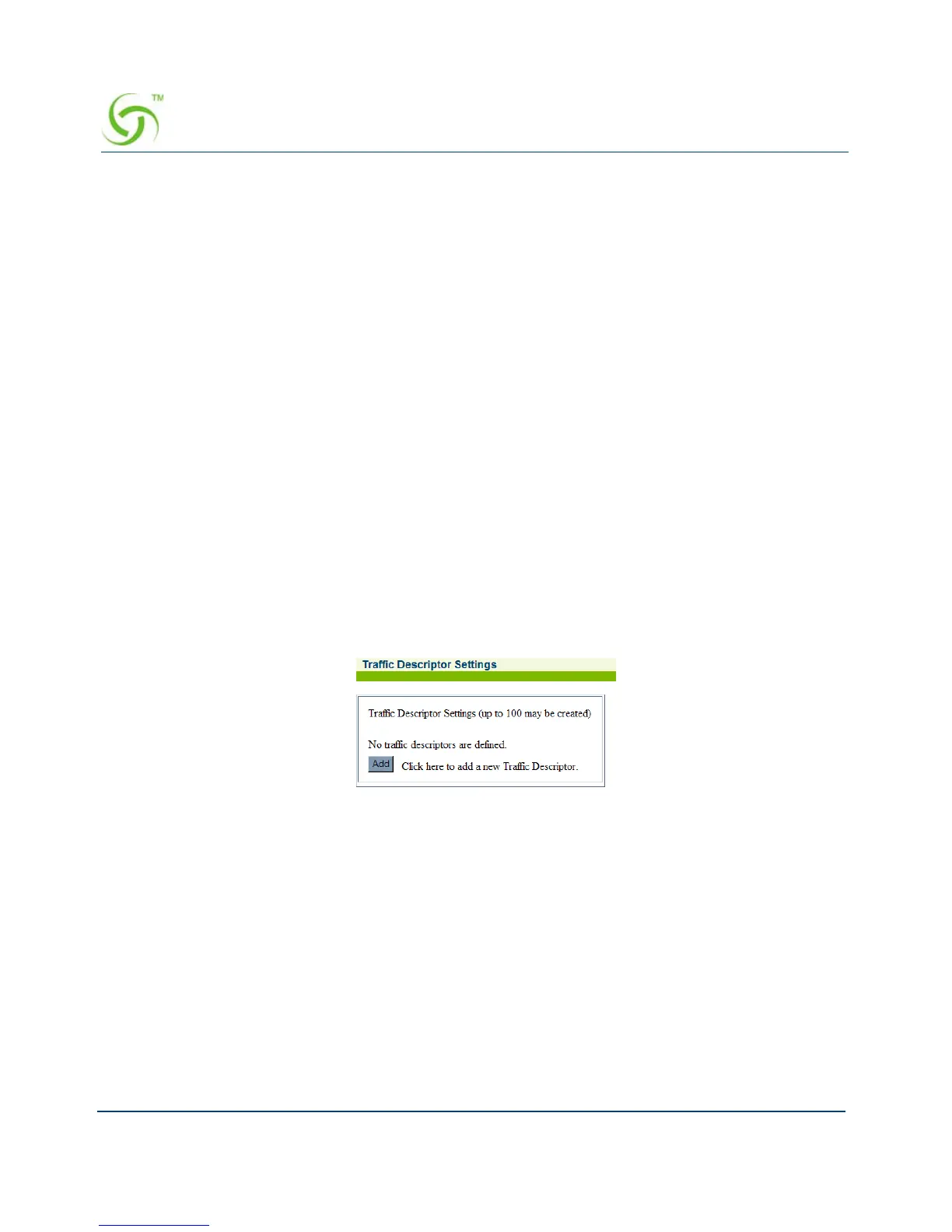
1. From the Web Management Interface, click on Configuration, then Traffic Descriptor.
The Traffic Descriptor Settings screen appears:



 To Next Page