ACCESS GATEWAY
System Administration 133
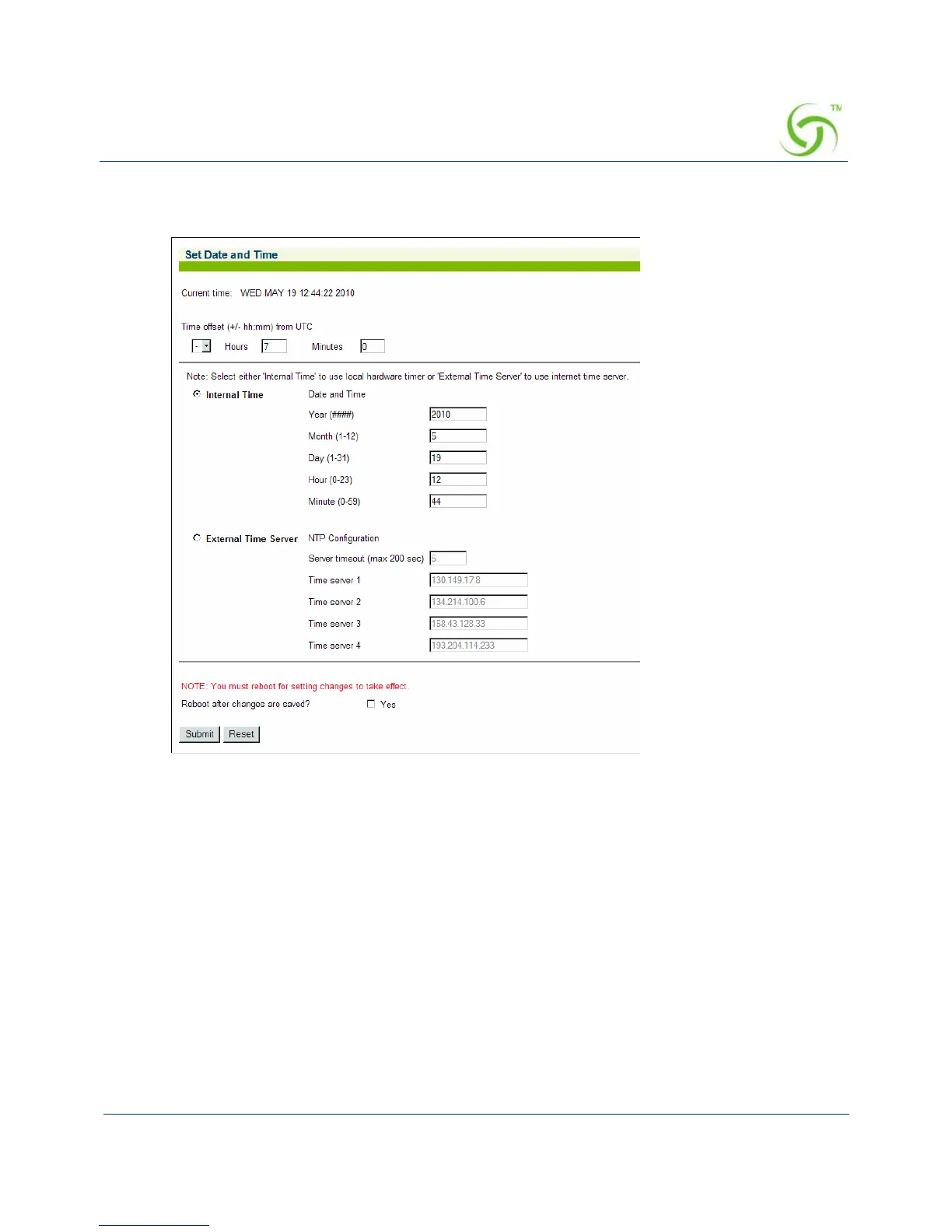
1. From the Web Management Interface, click on Configuration, then Time. The Set Date
and Time screen appears:
2. Select Internal Time to use the local hardware time or select External Time Server if you
want to use NTP instead of the internal clock of the NSE.
If you select
Internal Time, enter the new date and time parameters in the relevant fields
(if required):
Year (####)
Month (1-12)
Day (1-31)
Hour (0-23)
Minute (0-59)
After entering new data for the final parameter (minutes), the system writes the
information into its BIOS, then displays the new date and time.



 To Next Page