ACCESS GATEWAY
80 System Administration
2. Click on the check box for Home Page Redirection to enable this feature. If you enable
home page redirection, you must provide a URL for the redirected home page.
3. Enter the URL of the redirected home page in the Home Page URL field.
4. If required, click on the check box for Parameter Passing.
Parameter passing allows the Access Gateway to track a subscriber’s initial Web request
(usually their home page) and pass the information on to the solution provider. The
solution provider uses this information to ensure that the subscriber can return to their
home page easily.
5. In the Redirection Frequency field, specify the frequency (in minutes) for home page
redirection. This is the interval at which the subscriber is redirected to the solution
provider’s home page automatically.
6. Click on the Submit button to save your changes, or click on the Reset button if you want
to reset all the values to their previous state.
Enabling Intelligent Address Translation (iNAT™)
Our patented iNAT™ feature contains an advanced, real-time translation engine that analyzes
all data packets being communicated between the private and public address domains. The
Nomadix iNAT™ engine performs a defined mode of network address translation based on
packet type and protocol (for example, GRE, IKE etc…).
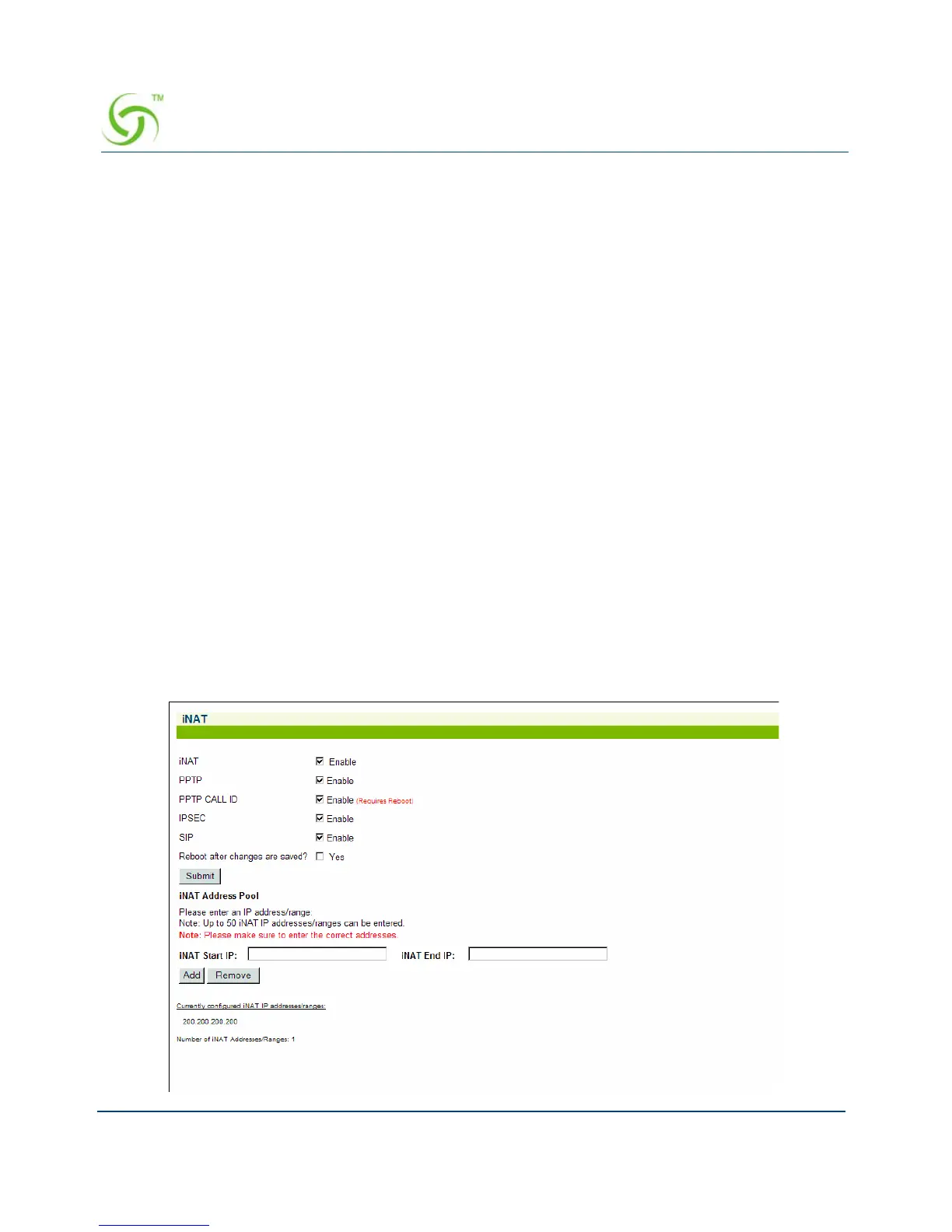
1. From the Web Management Interface, click on Configuration, then iNAT. The iNAT™
screen appears:



 To Next Page