ACCESS GATEWAY
System Administration 191
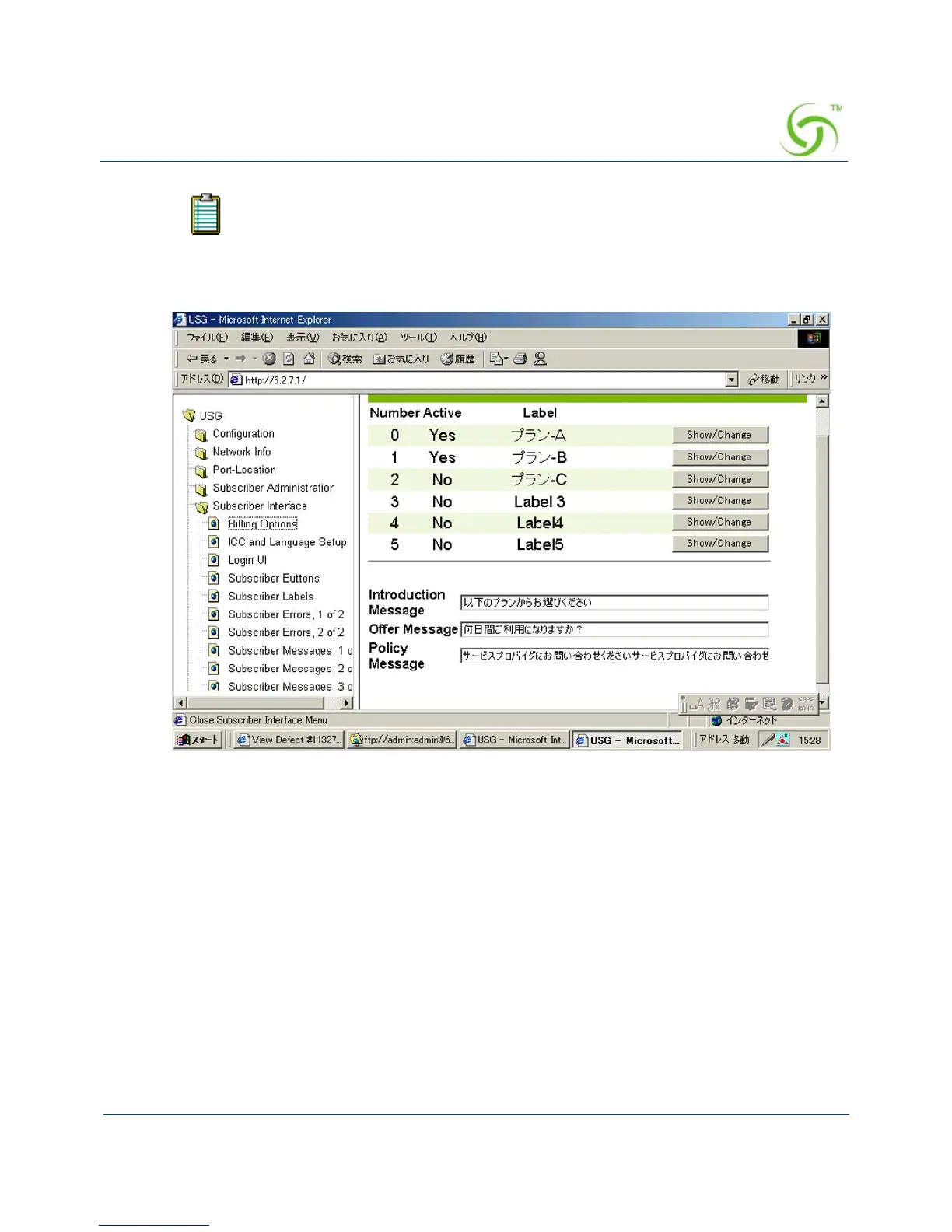
The following sample image shows the Web Management Interface (WMI) displayed
with Asian language characters.
Enable Serving of Local Web Pages {Local Web Server}
Here are the quick setup instructions to enable serving of local web pages.
1. Upload the required pages and images to the /flash/web directory using FTP. Total file size
of all pages and images cannot exceed 200 KB. File names should be labeled using the 8.3
format.
2. Go to WMI->Subscriber Interface->Local Web Server and add the names of the HTML or
image files that were uploaded to the /flash/web directory.
3. Reboot the NSE.
If sufficient space is available, the Access Gateway’s Internal Web Server also
supports multiple languages at the same time.



 To Next Page