ACCESS GATEWAY
226 System Administration
“Displaying the Static Port Mapping Table {Static Port-Mapping}” on page 147
“Adding Static Ports {Static Port-Mapping Add}” on page 223
Blocking a Subscriber Interface {Subscriber Interfaces}
The Access Gateway allows System Administrators to block subscriber interfaces.
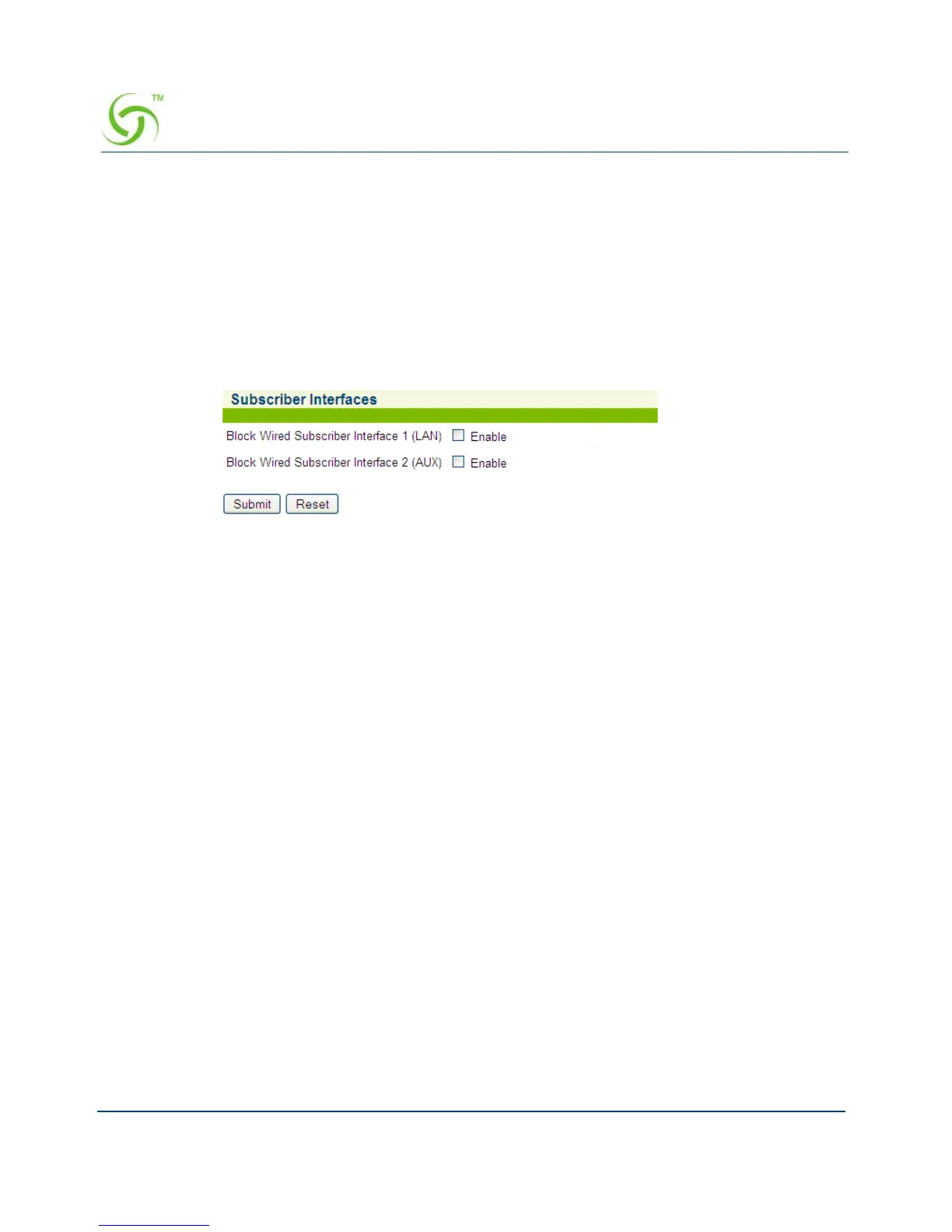
1. From the Web Management Interface, click on System, then Subscriber Interfaces. The
Subscriber Interfaces screen appears:
2. Enable or disable the following items by clicking on the corresponding check box:
Block Subscriber Interface 1
Block Subscriber Interface 2
3. Click on the Submit button to save your changes, or click on the Reset button to reset all
values to their previous state.
Updating the Access Gateway Firmware {Upgrade}
Upgrading the Access Gateway firmware is performed from the Access Gateway’s Command
Line Interface (CLI) only. Refer to the Firmware Upgrade Procedure (separate document
available from Nomadix Technical Support).



 To Next Page