ACCESS GATEWAY
142 System Administration
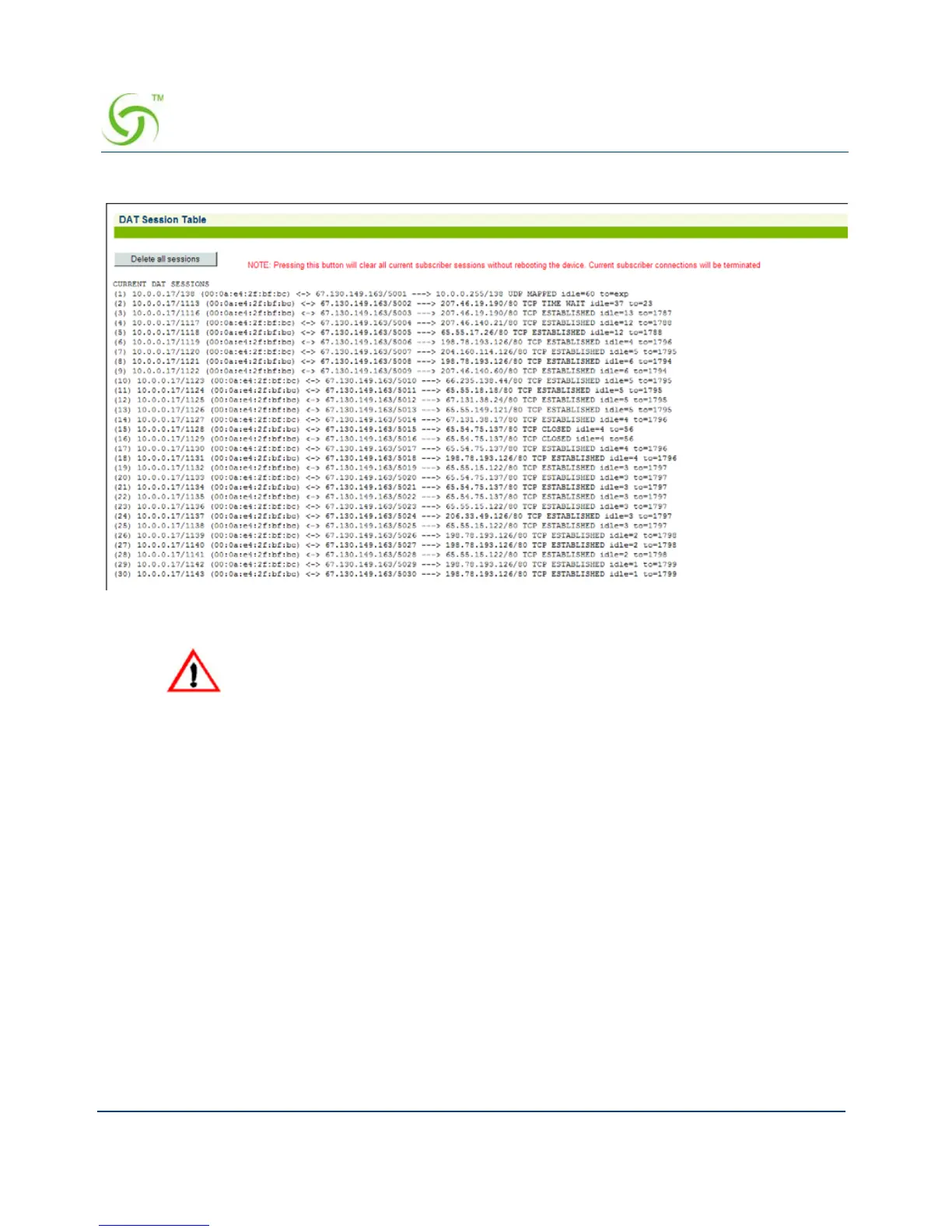
The DAT Session Table screen appears:
Click on the
Delete all sessions button to clear all current subscriber sessions.
Displaying the Host Table {Hosts}
You can display a table which lists the hosts that are currently configured. This table includes
the assigned host names, their corresponding IP addresses, and any aliases that may be
assigned to each host. Hosts provide services to other computers that are linked to it by a
network.
To view the Host Table, go to the Web Management Interface, click on
Network Info, then
click on
Hosts.
Deleting DAT sessions will cause all misconfigured subscribers to lose their
Internet connection for a short period of time.



 To Next Page