ACCESS GATEWAY
System Administration 159
Importing Port-Location Assignments {Import}
This procedure shows you how to import port-location assignments from the “location.txt”
file. The location.txt file is stored in: /flash/location.txt (resident in the Access Gateway’s flash
memory).
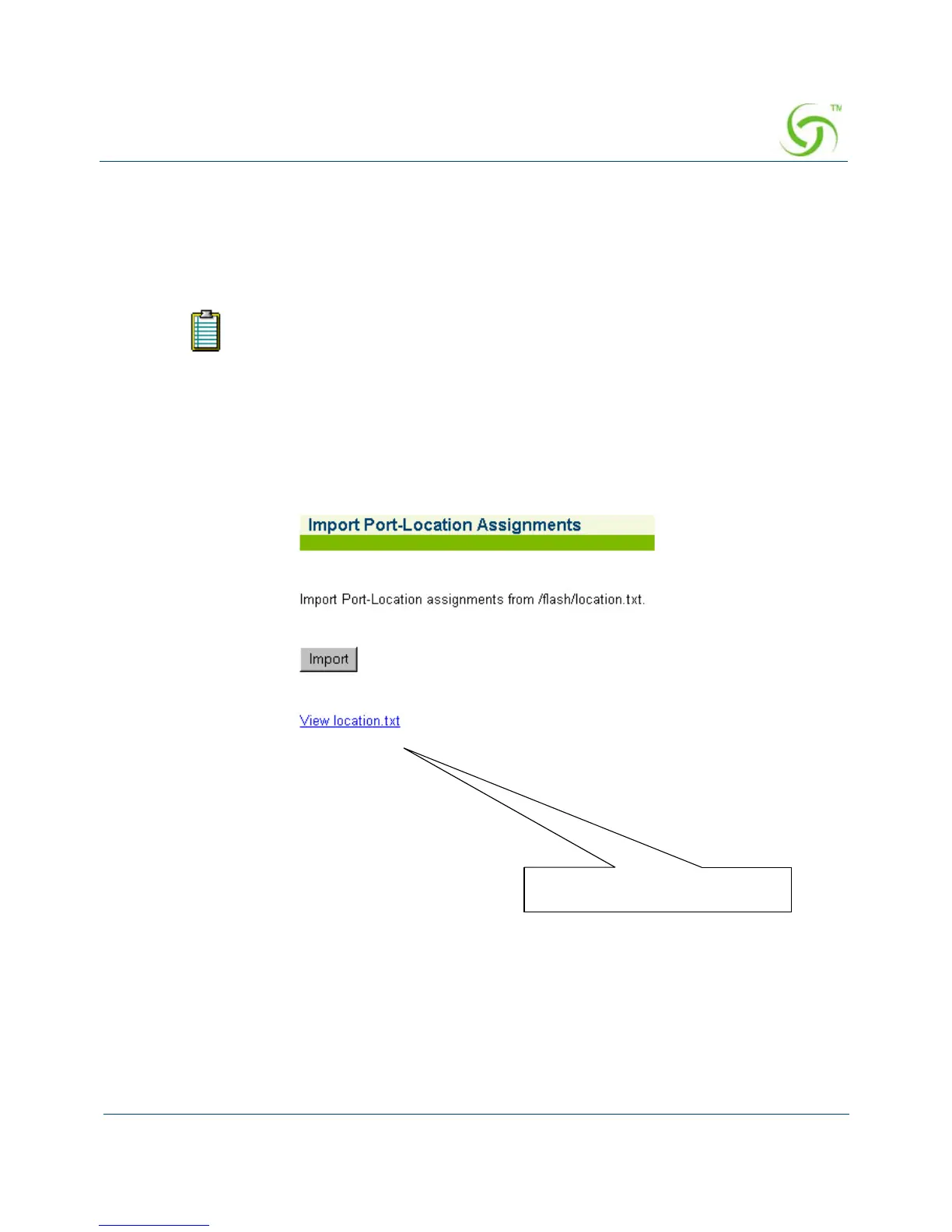
1. From the Web Management Interface, click on Port-Location, then Import. The Import
Port-Location Assignments screen appears:
2. Click on the Import button to import port-location assignments from the /flash/location.txt
file.
Viewing the “location.txt” File
You can click on the “View location.txt” link if you want to view the current contents of
the file.
If you have never exported port-location assignments (since installing the Access
Gateway at this site), the location.txt is empty. See also, “Exporting Port-Location
Assignments {Export}” on page 155. You can create your own location.txt file,
FTP to the Access Gateway’s flash directory (for example, [IP address]/flash/
location.txt), and upload the file. See also, “Creating a “location.txt” File” on
page 160.



 To Next Page