ACCESS GATEWAY
Quick Reference Guide 281
The following table provides an explanation of the command elements:
Fill in your company information. If “States” or “Province” names do not exist in your country,
please repeat the “Locality Name.”
The “Common Name” is the name used in the Access Gateway->AAA->SSL Certificate
Domain Name. The Common Name in the Public Key must match the SSL Certificate Domain
Name in the Web Management Interface of the Access Gateway (refer to the Access Gateway
setup information later in this document).
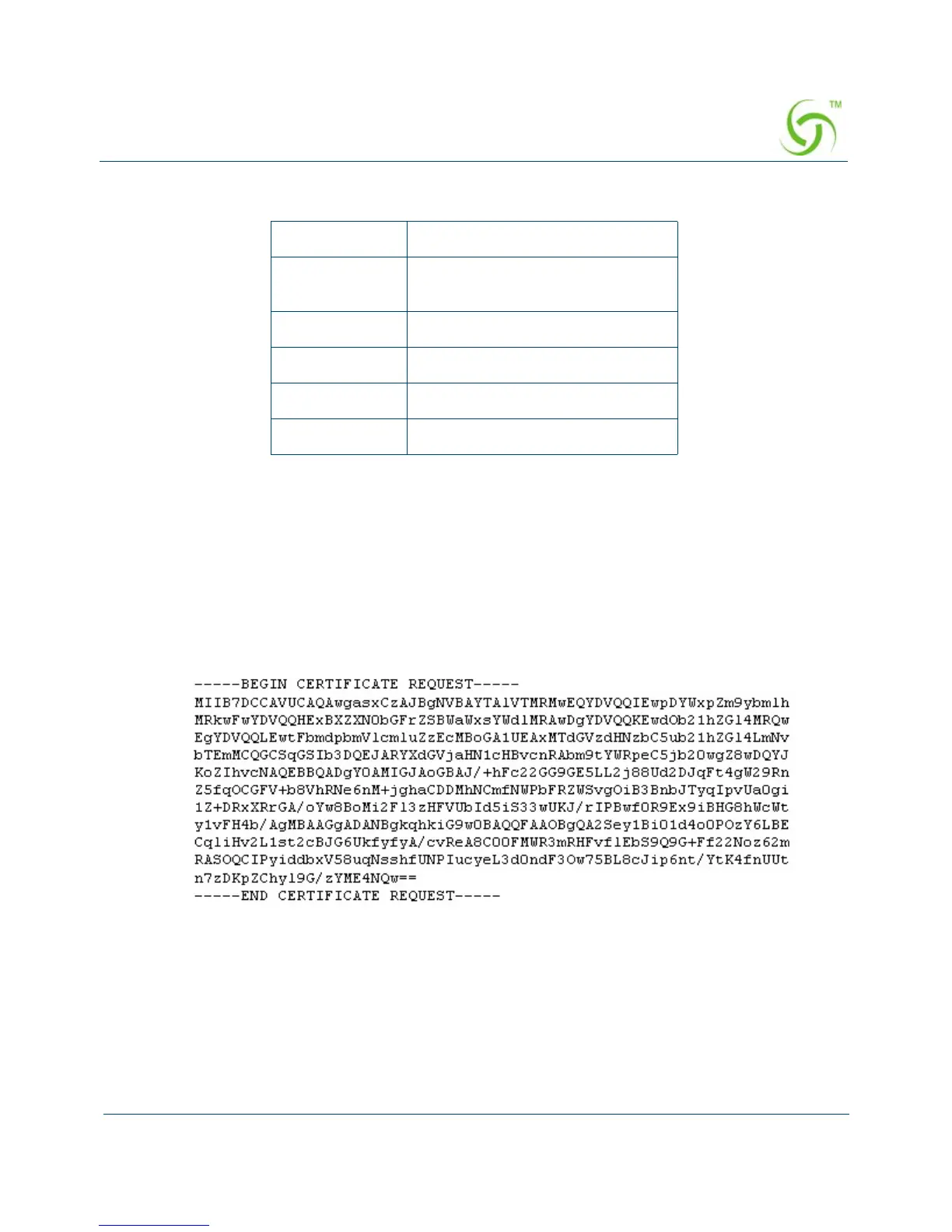
Here is the output of server.csr:
Create a Public Key File (server.pem)
VeriSign Purchasing Process
The signing process varies by Certificate Authority. Generally, you will need to send a
Certificate Signing Request to the Certificate Authority (CA) and the CA will create a public
key base on the certificate request.
openssl “openssl” command
req A parameter for creating a
request
new Defining a “new” request …
key … from private key
> Output to …
server.csr … the output file



 To Next Page