ACCESS GATEWAY
222 System Administration
4. Click on the Add button to add this route to the routing table, or click on the Reset button
if you want to reset all the values to their previous state.
Deleting a Route {Route Delete}
This procedure shows you how to delete a route to a specific IP destination.
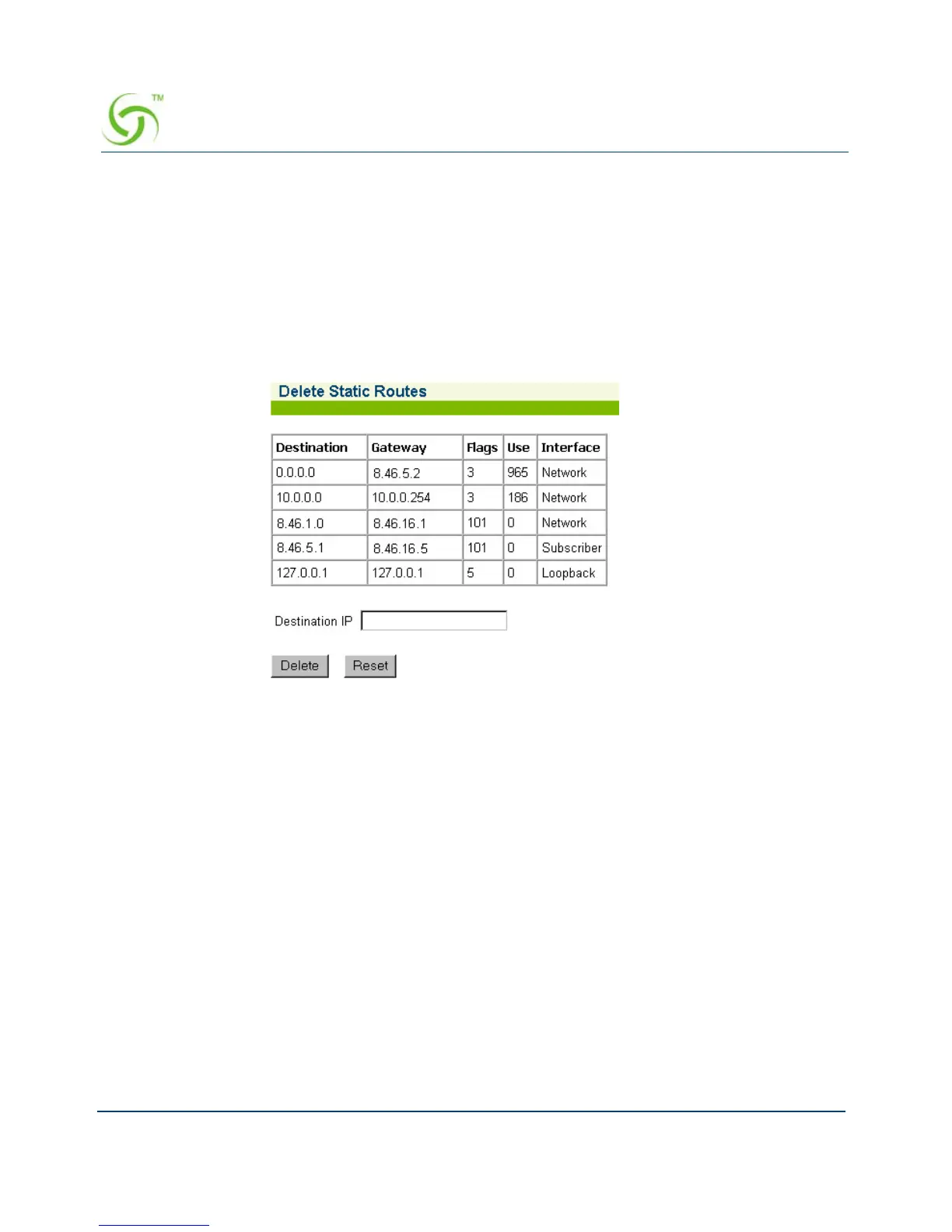
1. From the Web Management Interface, click on System, then Route Delete. The Delete
Static Routes screen appears:
2. Enter the Destination IP address of the route you want to delete from the routing table.
3. Click on the Delete button to delete this route from the routing table, or click on the Reset
button if you want to reset the “Destination IP” value to its blank state.
Establishing Session Rate Limiting {Session Limit}
Session Rate Limiting (SRL) significantly reduces the risk of “Denial of Service” attacks by
allowing administrators to limit the number of DAT sessions any one user can take over a given
time period and, if necessary, then block malicious users.



 To Next Page