ACCESS GATEWAY
System Administration 135
2. Select Add to create a new Traffic Descriptor, or select a link to an existing descriptor to
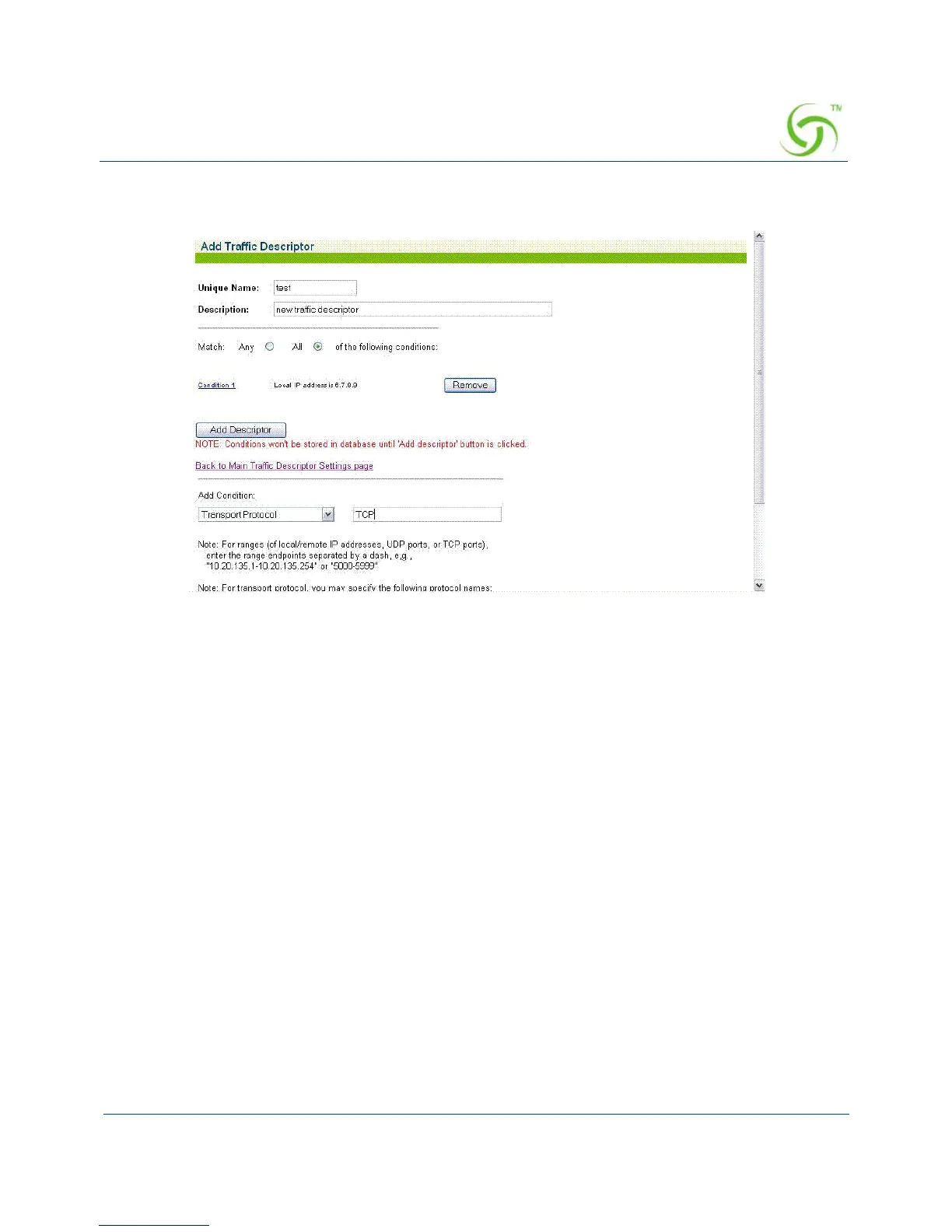
modify it. The Add Traffic Descriptor screen appears.
3. Enter a name for the descriptor in the Unique Name field.
4. Enter a brief summary about the descriptor in the Description field.
5. Set condition matching to require a match to All conditions or Any one of the conditions.
This condition list displays a list of the conditions that have been defined for this
descriptor.
Select a condition type from the
Add Condition menu and define the matching
parameters. Once added, conditions will be displayed in the condition list.
6. Select Remove to remove a condition from this descriptor.
7. Select Add Descriptor to accept the parameters and conditions defined and add the
descriptor to the descriptor list on the main page.
Setting Up URL Filtering {URL Filtering}
The Access Gateway can restrict access to specified Web sites based on URLs defined by the
system administrator. URL filtering will block access to a list of sites and/or domains entered
by the administrator using the following three methods:
Host IP address (for example, 1.2.3.4)
Host DNS name (for example, www.yahoo.com)



 To Next Page