ACCESS GATEWAY
146 System Administration
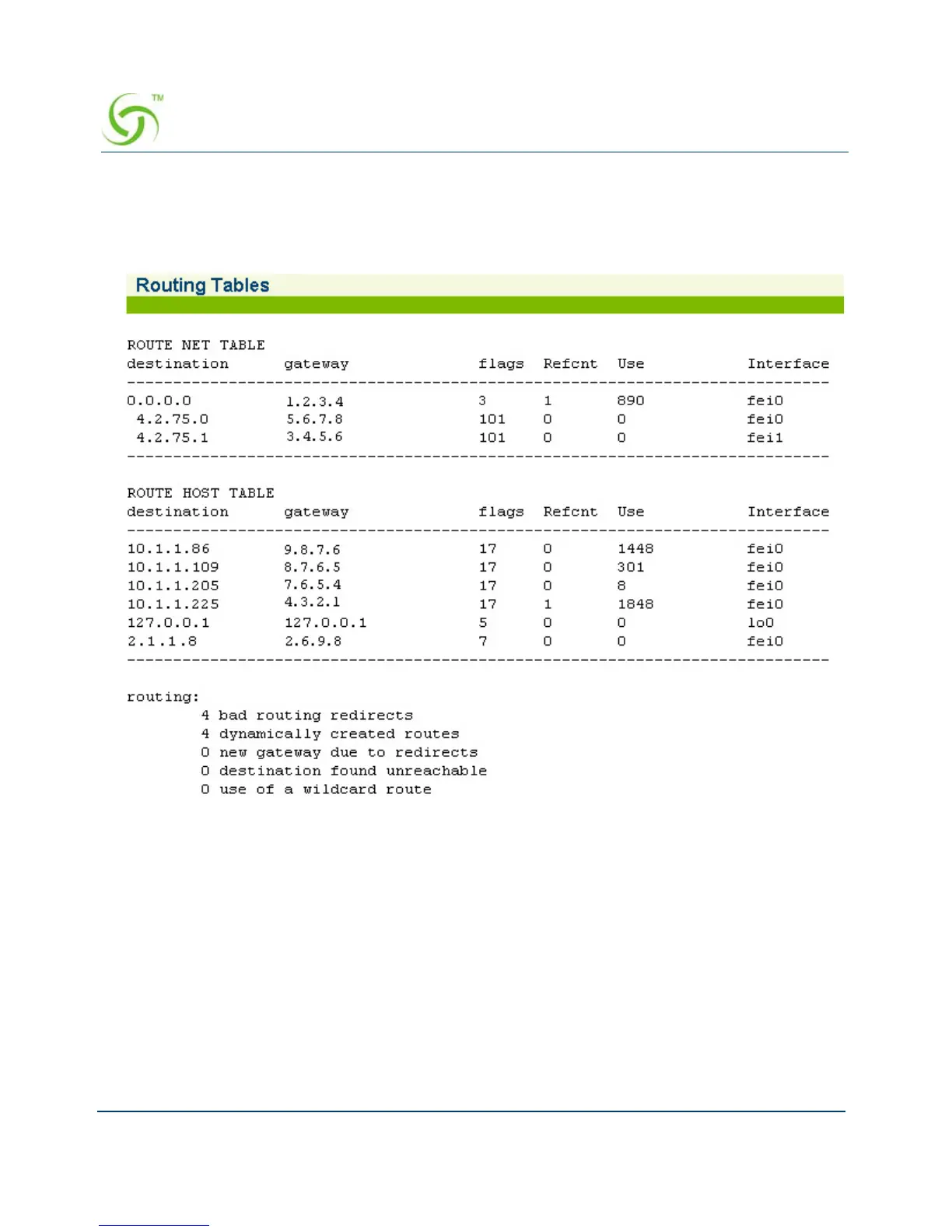
To view the Routing Tables, go to the Web Management Interface, click on Network Info, then
click on
Routing.
The Routing Tables screen appears:
Displaying the Active IP Connections {Sockets}
You can display a table which provides a detailed listing of all currently active IP (Internet
Protocol) connections.
To view the Socket Table, go to the Web Management Interface, click on
Network Info, then
click on
Sockets.



 To Next Page