ACCESS GATEWAY
78 System Administration
3. Enter the Provider Info:
Select the provider protocol from the Protocol menu. Currently, only dyndns.org and
dyndns.org (secure) are supported. The default setting is dyndns.org (secure).
In the Server field, enter the server name to which the client sends updates to the
DDNS server.
Select the port number for the server from the Port menu.
4. Enter the Account Information:
Enter the host name, which is the DDNS name that is mapped to the client IP address,
in the
Hostname field. DDNS mapping is configured on the DynDNS.org account.
Enter the user name for the DDNS server account in the Username field.
Enter the password name for the DDNS server account in the Password field.
5. In the Force Update field, click Submit and Force Update to to force an immediate
update to the DDNS.
Note that too many updates may be considered abuse by the DDNS vendor.
Alternatively, click
Submit to save the settings or Reset to clear the changes and return
the settings to the previous state.
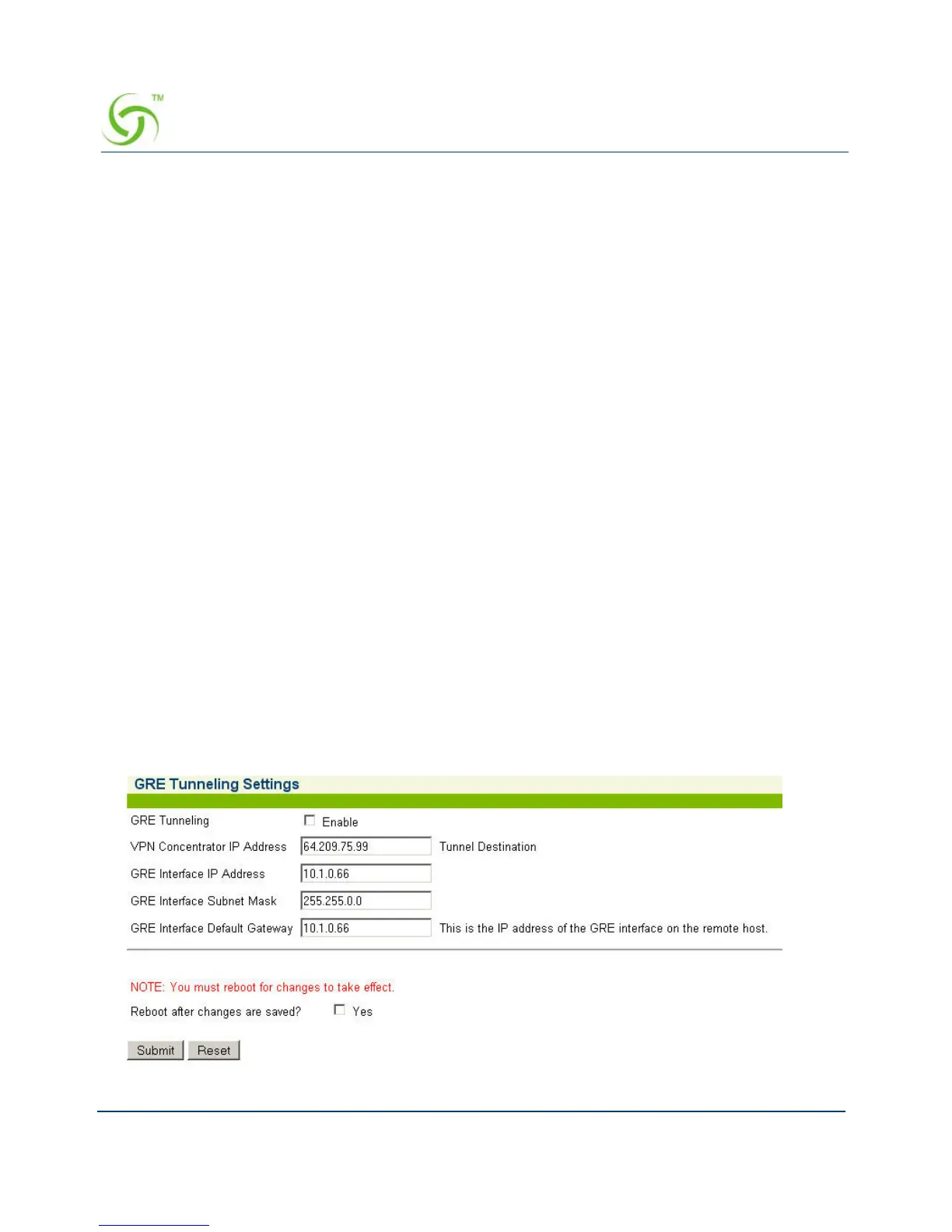
GRE Tunneling {Gre Tunneling}
Use the following procedure to set the GRE Tunneling options.
1. From the Web Management Interface, click Configuration, then Gre Tuneling. The GRE
Tuneling screen appears:



 To Next Page