ACCESS GATEWAY
156 System Administration
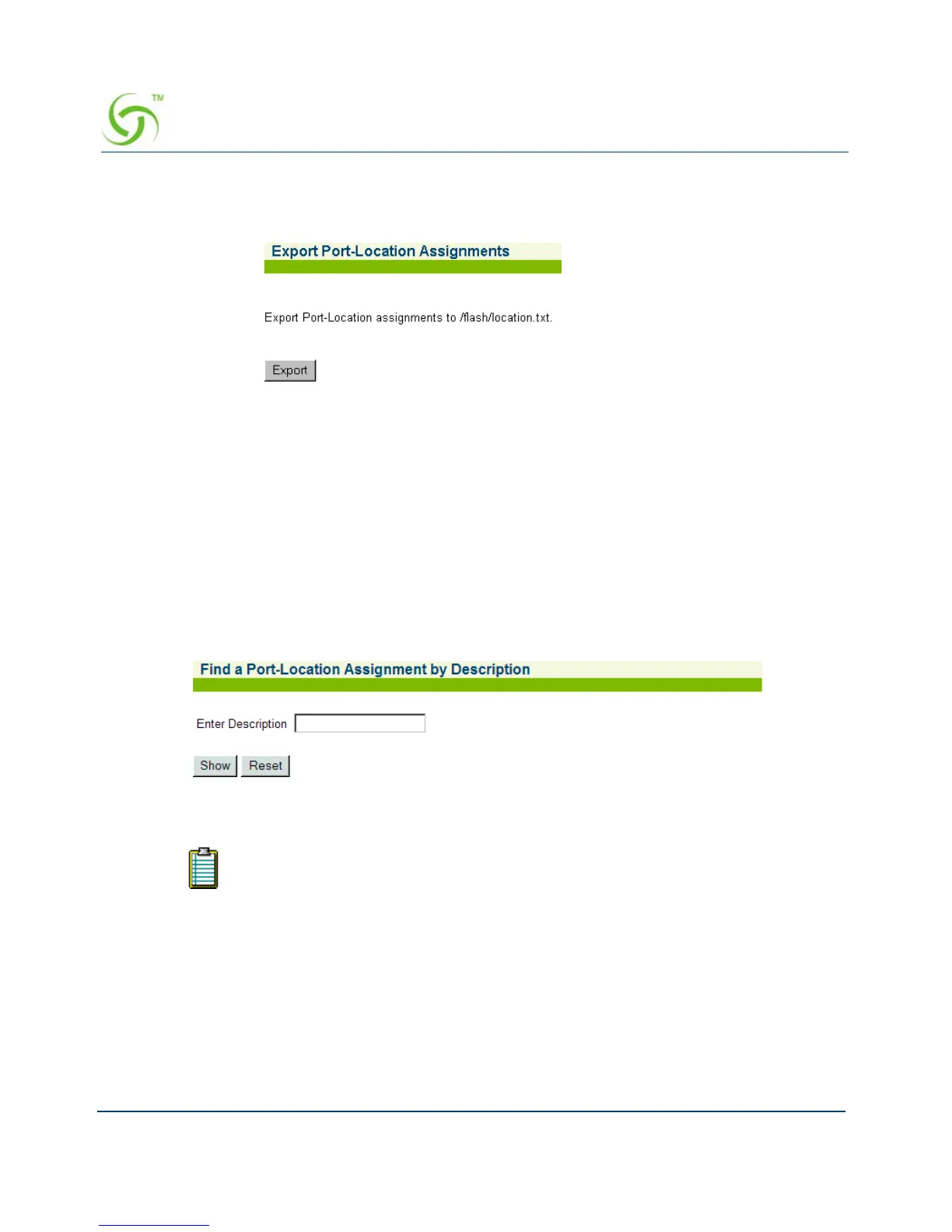
1. From the Web Management Interface, click on Port-Location, then Export. The Export
Port-Location Assignments screen appears:
2. Click on the Export button to export port-location assignment to the /flash/location.txt.
file.
Finding Port-Location Assignments by Description {Find by Description}
This procedure shows you how to find a port-location assignment, based on its description.
This procedure is useful if you want to review the details of a specific port-location. You can
also find port-locations based on their location or port.
1. From the Web Management Interface, click on Port-Location, then Find by Description.
The Find a Port-Location Assignment by Description screen appears:
2. In the Enter Description field, enter the description of the assignment you want to find.
3. Click on the Show button to view the specified port-location assignment, or click on the
Reset button if you want to reset the “description” value to its blank state. The requested
port-location is displayed:
The system ignores the case (upper or lower) of the characters you enter.



 To Next Page