ACCESS GATEWAY
System Administration 175
Displaying Current Profiles and Connections {Statistics}
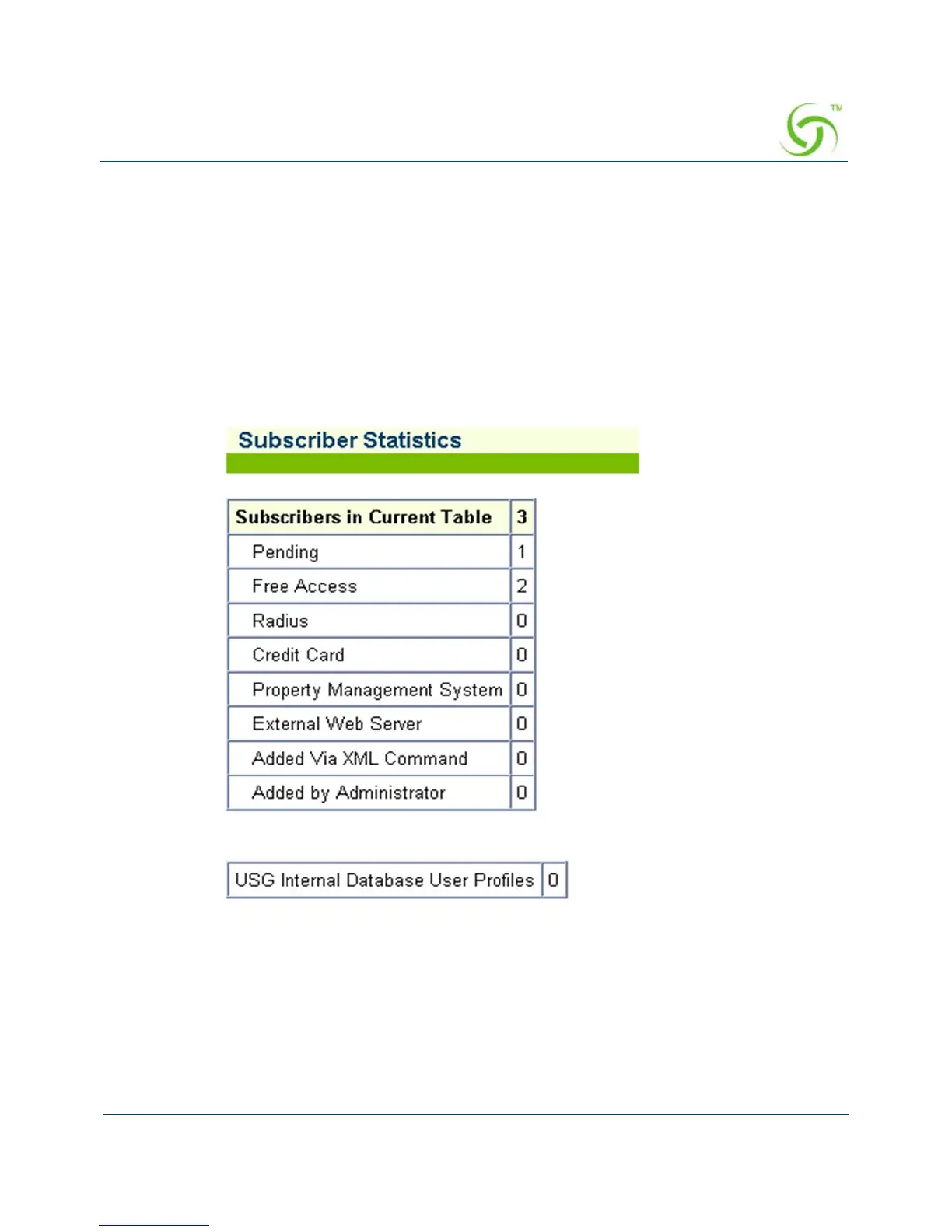
You can view the total number of profiles and connections currently stored in the Access
Gateway’s database of authorized subscribers. The displayed list includes the number of
subscribers currently in the database (Current Table) and a numerical breakdown of how the
subscribers can utilize the system (for example, free access, credit card, etc.). The total number
of user profiles stored in the Access Gateway’s internal database is also shown.
To view the Subscriber Statistics, go to the Web Management Interface, click on
Subscriber
Administration, then click on Statistics.
The Subscriber Statistics screen appears:
Subscriber Interface Menu
Defining the Billing Options {Billing Options}
Duration-based Billing Plans



 To Next Page