ACCESS GATEWAY
194 System Administration
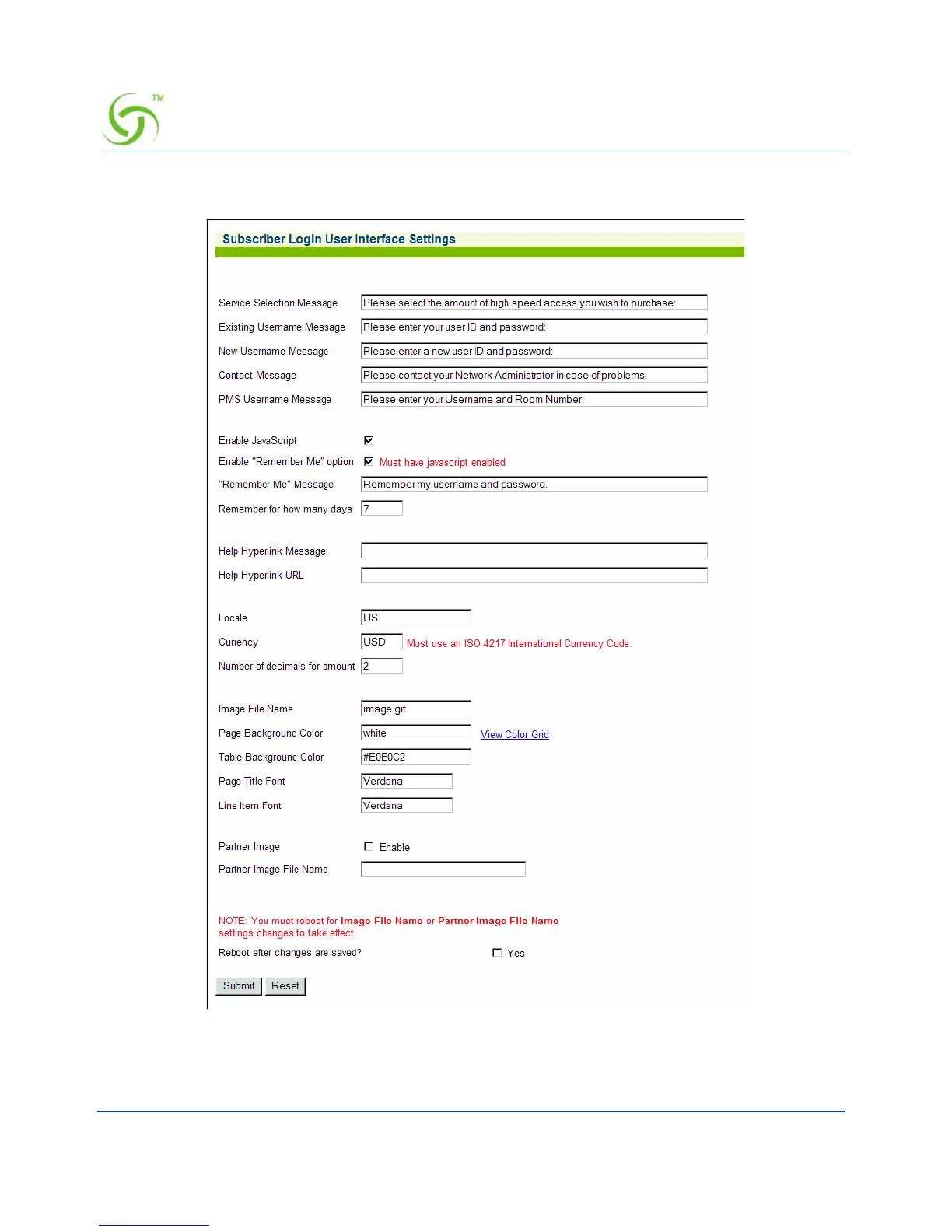
1. From the Web Management Interface, click on Subscriber Interface, then Login UI. The
Subscriber Login User Interface Settings screen appears:
2. Define the messages you want subscribers to see when they log in. Keep messages brief
and to the point. Available message categories include:
Service Selection Message



 To Next Page