ACCESS GATEWAY
202 System Administration
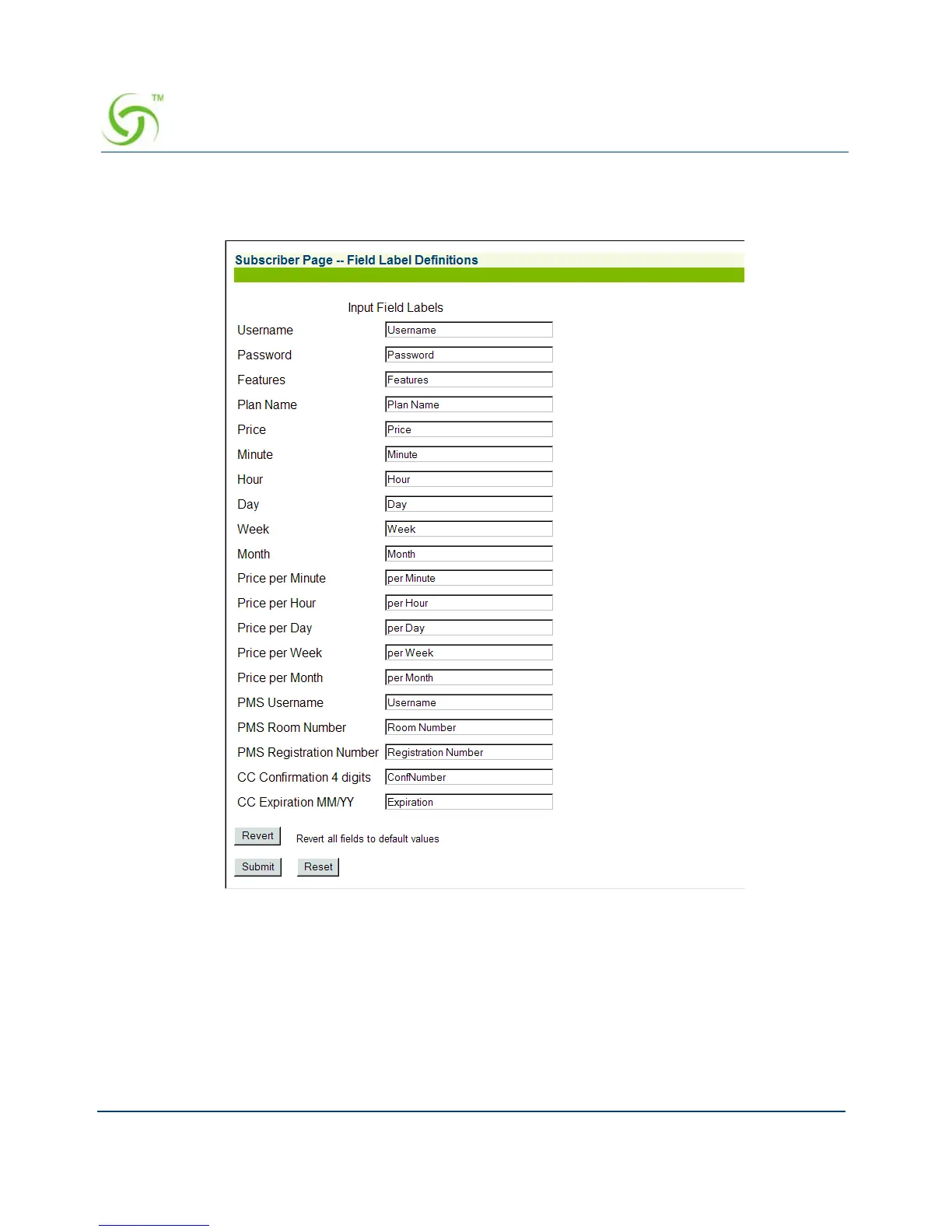
1. From the Web Management Interface, click on Subscriber Interface, then Subscriber
Labels. The Subscriber Page -- Field Label Definitions screen appears:
2. Enter the definitions you want for each label in the corresponding fields.
3. Click on the Submit button to save your changes, or click on the Reset button if you want
to reset all the values to their previous state.
If you want to reset all field values to their default state, click on the
Revert button.



 To Next Page