All-New Event Presentation Switching Solutions
User Manual
7 Event Management Software PixelFlow
Prerequisites
None
Notes
None
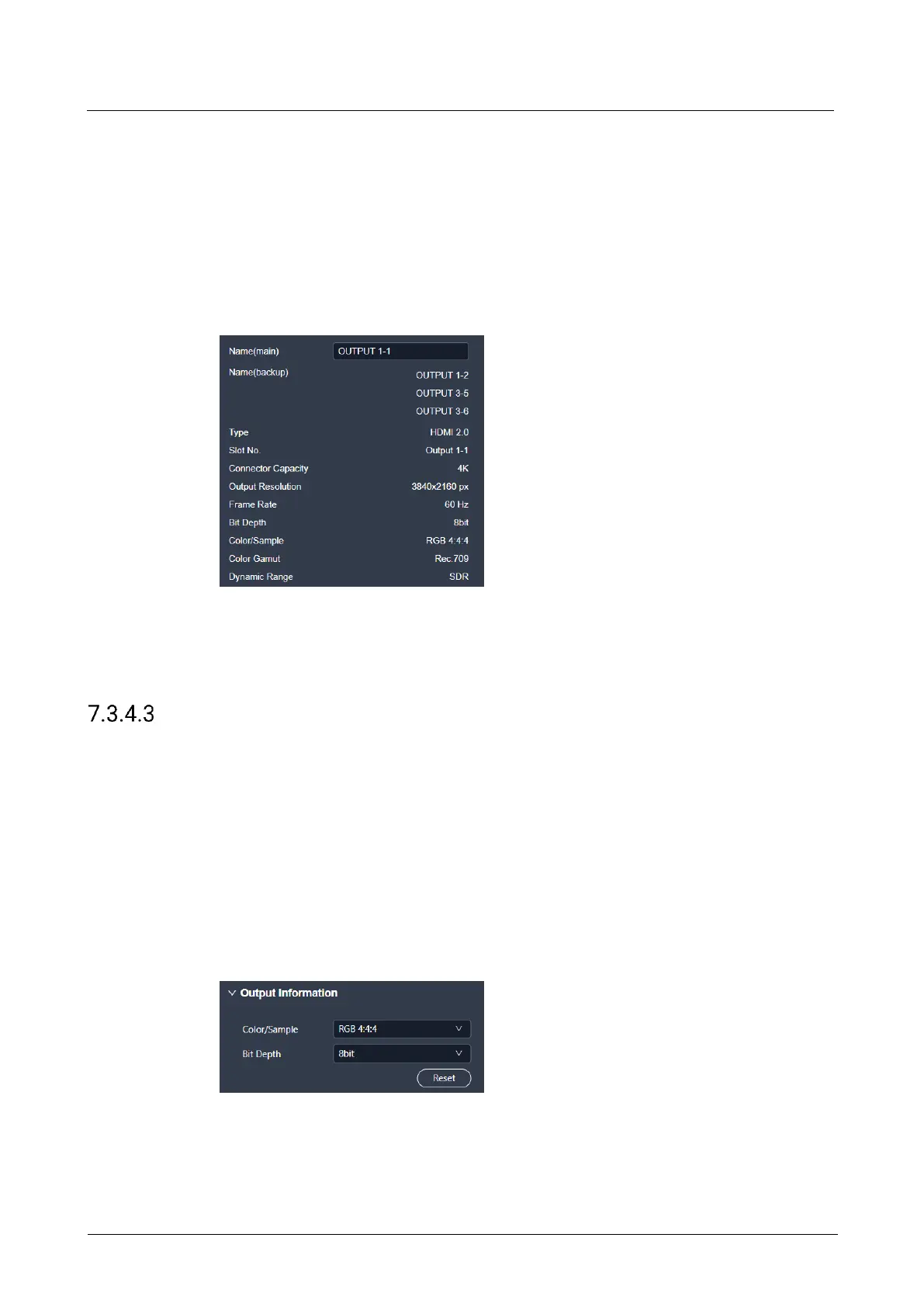
Interface Example (P20)
Description
On the Basic tab interface, enter a new connector name, and then click elsewhere in
the interface to complete the connector name change.
Configure Output Info
Configure the output-related parameters.
Prerequisites
The device model is Q8.
Notes
None
Interface Example (Q8)
Description
On the Basic tab interface, configure the following parameters.



 To Next Page