All-New Event Presentation Switching Solutions
User Manual
7 Event Management Software PixelFlow
Notes
If the layer mask function is turned on, the border function is turned off.
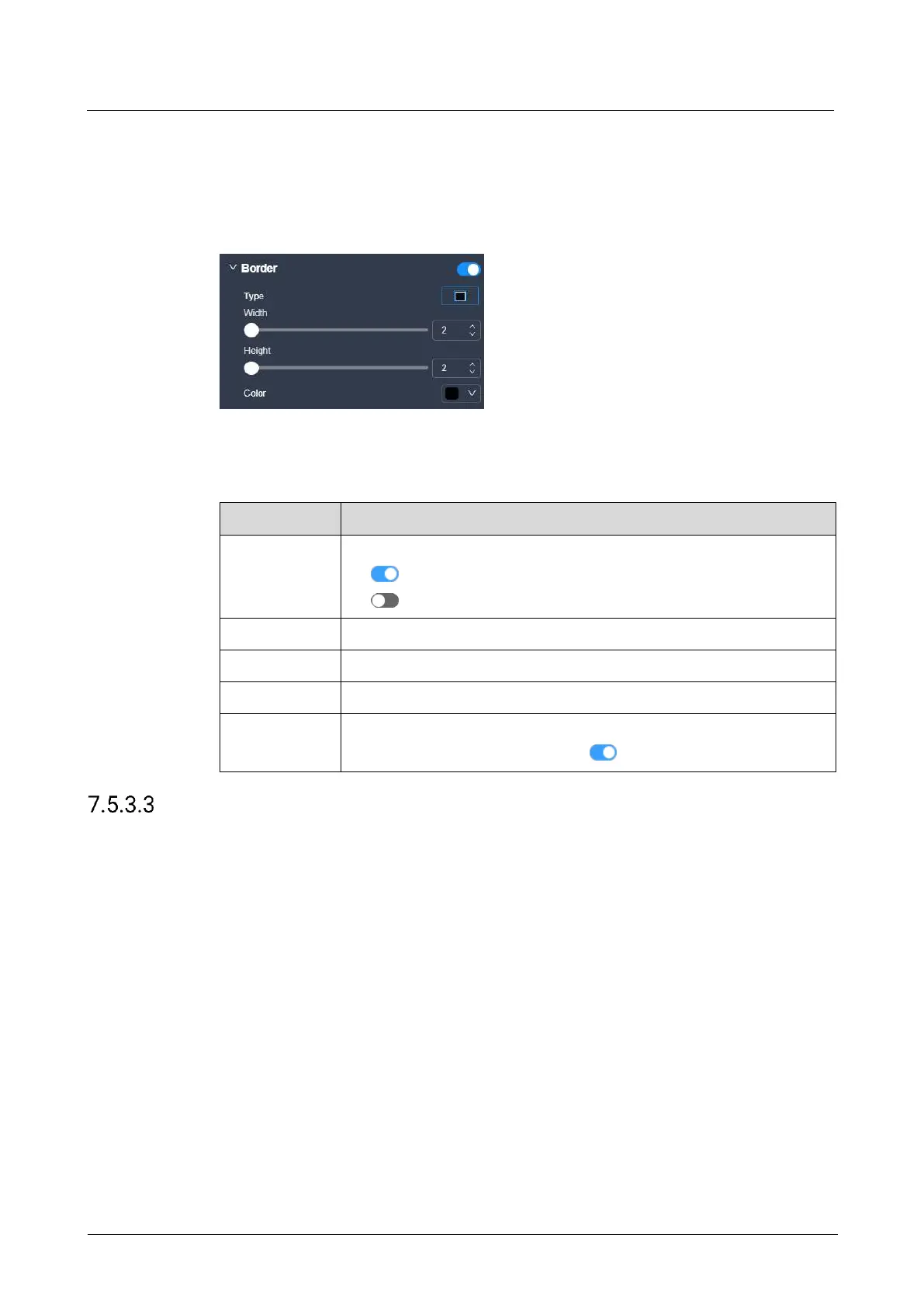
Interface Example (P20)
Description
On the Basic tab interface, configure the following parameters.
Turn on or turn off the function.
: On
: Off
The width of the layer left or right border
The height of the top or bottom border
The layer border color
When the border function is set to , this parameter is available.
Configure Layer Mask
Configure the mask-related parameters. The masked area becomes transparent and
the layer size remains the same.
Prerequisites
The layer is a regular (not AUX) layer.
Notes
If the layer mask function is turned on, the border function is turned off.



 To Next Page