All-New Event Presentation Switching Solutions
User Manual
Input card
When installing input cards, they must be installed starting from slot 1 and in
ascending order. No empty slots can be left between them.
Input cards do not support hot-swappable installation. Before installation, the device
must be powered off. Once the installation is completed, the device can be powered
on for use.
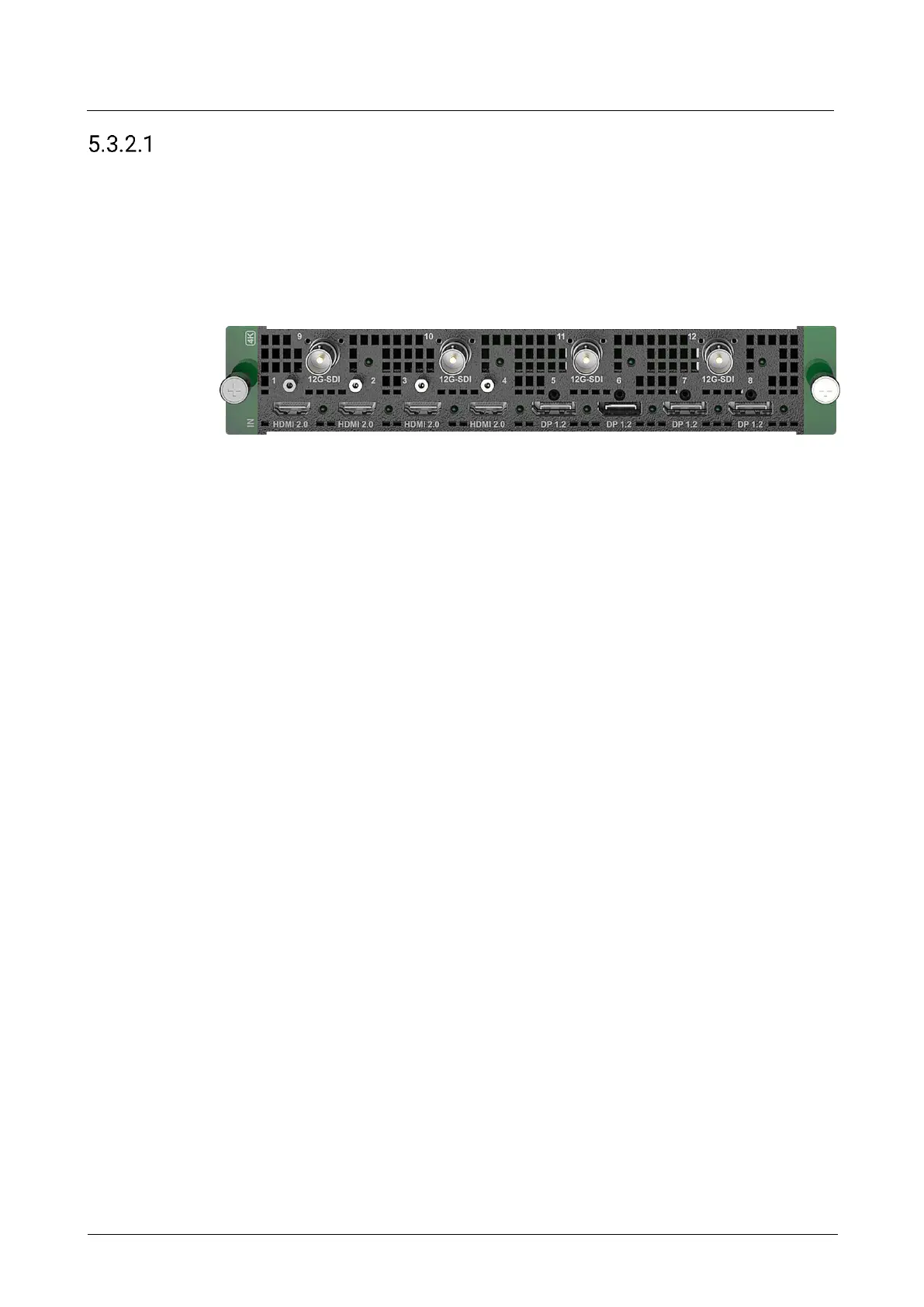
5.3.2.1.1 Q_4x HDMI2.0+4x DP1.2+4x 12G-SDI Input Card
Connectors
4x HDMI 2.0
4x DP1.2
4x 12G-SDI
Specifications
8x 4K×2K@60Hz concurrent inputs per input card
Each input card supports a maximum of 4-channel deinterlacing processing
Each input card provides a maximum of 4 sync sources
HDMI 2.0
− Up to 4K×2K@60Hz 10bit 4:2:2, or 4K×2K@60Hz 8bit 4:4:4
− Support for processing of 8-bit, 10-bit and 12-bit inputs
− Support for 4:2:0, 4:2:2 and 4:4:4 inputs
− Support for processing of Full and Limited range videos
− Support for HDR video inputs
− HDCP 1.4 and HDCP 2.2 compliant
− Support for deinterlacing processing
− Custom resolutions
Maximum width: 8192 pixels; maximum height: 8192 pixels
DP 1.2
− Up to 4K×2K@60Hz 10bit 4:4:4, or 4K×2K@60Hz 8bit 4:4:4
− Support for processing of 8-bit, 10-bit and 12-bit inputs
− Support for 4:2:2 and 4:4:4 inputs
− Support for processing of Full and Limited range videos
− Support for HDR video inputs
− HDCP 1.3 and HDCP 2.2 compliant
− Custom resolutions
Maximum width: 8192 pixels; maximum height: 8192 pixels



 To Next Page