All-New Event Presentation Switching Solutions
User Manual
Menu Orientation
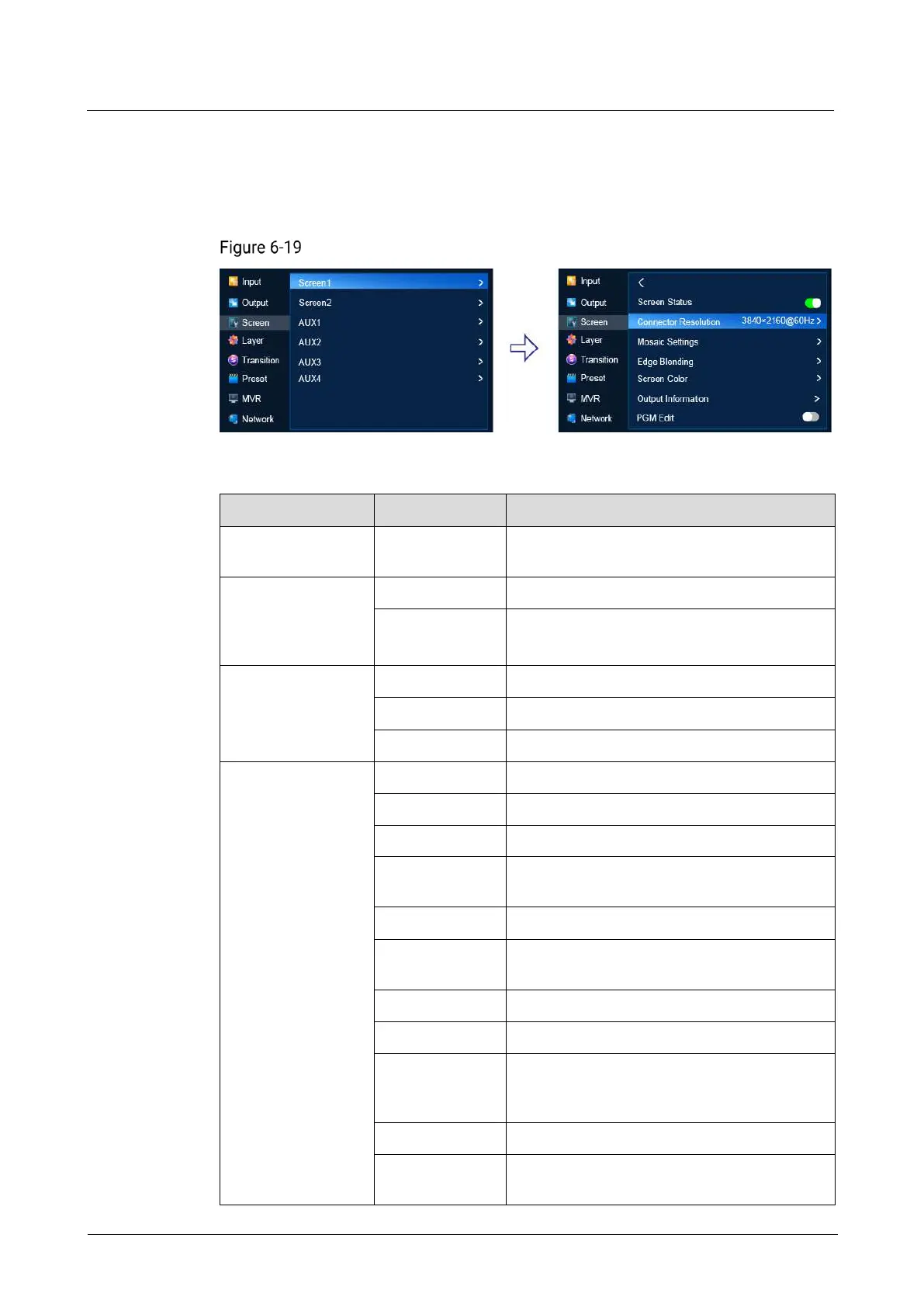
On the main menu screen, scroll to and select Screen > Screen1/AUX1 > Connector
Resolution.
Connector resolution (P20)
Description
Current resolution: Pixel width and height of
the output image
Commonly used frame rate,
Frames per second (Hz)
Pixel width of the output image
Pixel height of the output image
The total number of pixels per line
Pixel width of the active area
The offset between the end of the active area
and the beginning of H sync
Polarity (active high or low) of the horizontal
sync pulse
The total number of pixels per frame
Pixel height of the active area
The offset in lines between the end of the
output active area and the beginning of V
sync
Polarity (active high or low) of the vertical
sync pulse



 To Next Page