All-New Event Presentation Switching Solutions
User Manual
Menu Orientation
On the main menu screen, scroll to and select Layer > Layer Name > Input Crop.
Description
Turn on/off input crop.
: On
: Off
Set the horizontal start position of the cropped area.
Set the vertical start position of the cropped area.
Set the pixel width of the cropped area.
Set the pixel height of the cropped area.
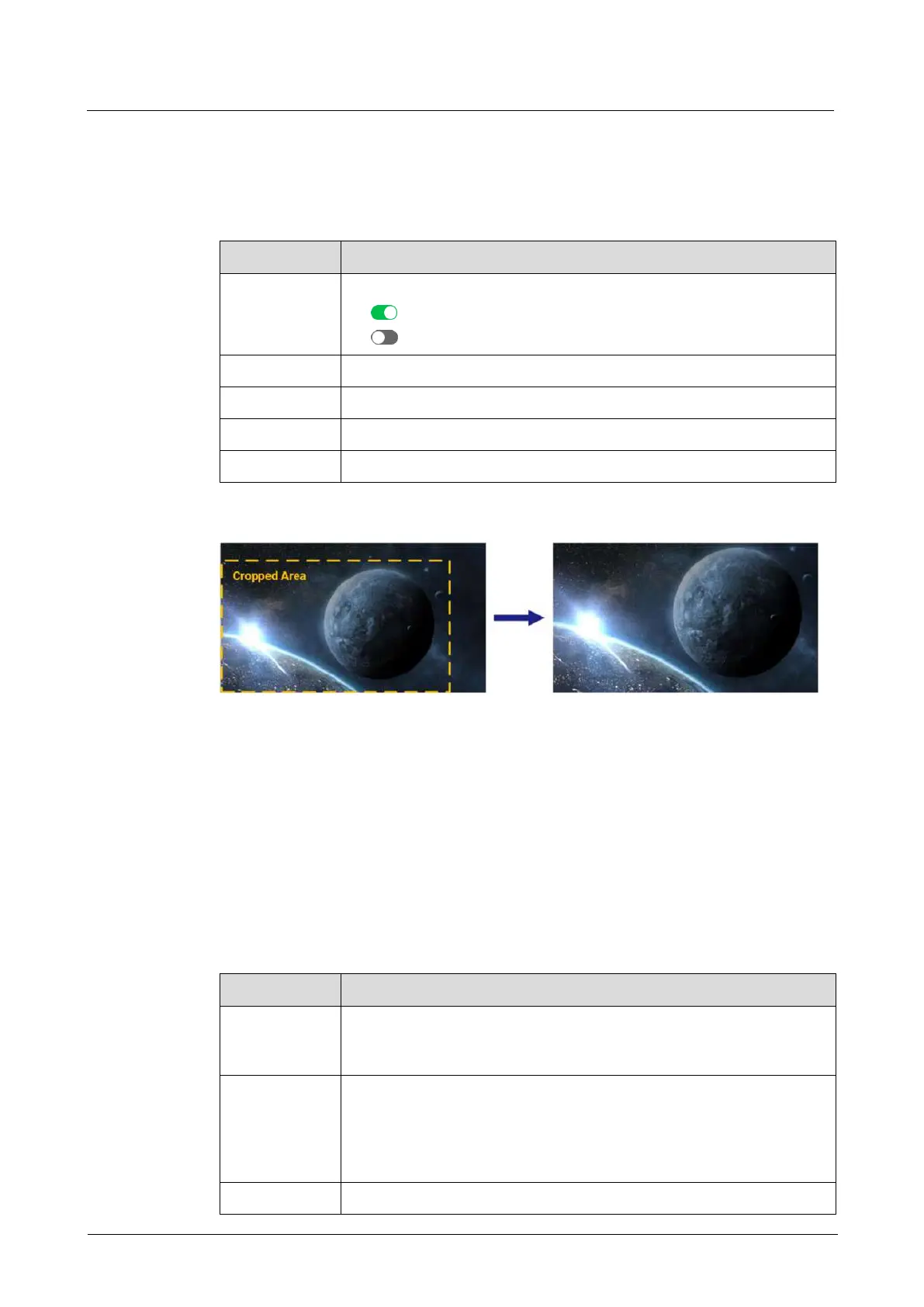
Crop Effect Example
6.1.6.1.4 Set Layer Color
Set layer color parameters.
Prerequisites
A common screen and regular layer are selected.
Menu Orientation
On the main menu screen, scroll to and select Layer > Layer Name > Layer Color.
Description
Brightness is the shading of lights in the image. When the brightness
increases, viewers will be dazzled. When the brightness decreases, the
image becomes dark.
Contrast is the ratio of the luminance of the brightest color to that of
the darkest color. Generally, the higher the contrast, the clearer and
more colorful the image. On the contrary, the entire image becomes
gloomy. Contrast affects the exposure level of the entire image. It
makes the bright part brighter and the dark part darker.
Saturation is the colorfulness of the image. The higher the contrast,



 To Next Page