Troubleshooting
R&S
®
LCX Series
223User Manual 1179.2260.02 ─ 02
12.3 Cannot establish a LAN connection
If you have problems to establish a LAN connection as described in Chapter 4.1.7,
"Connecting to LAN", on page 21:
1. Check if the TCP/IP address information is valid.
2. Assign the IP address manually, e.g. if the network does not support DHCP config-
uration, see Chapter 10.5, "Adjusting interface addresses", on page 159.
12.4 Contacting customer support
Technical support – where and when you need it
For quick, expert help with any Rohde & Schwarz product, contact our customer sup-
port center. A team of highly qualified engineers provides support and works with you
to find a solution to your query on any aspect of the operation, programming or applica-
tions of Rohde & Schwarz products.
Contact information
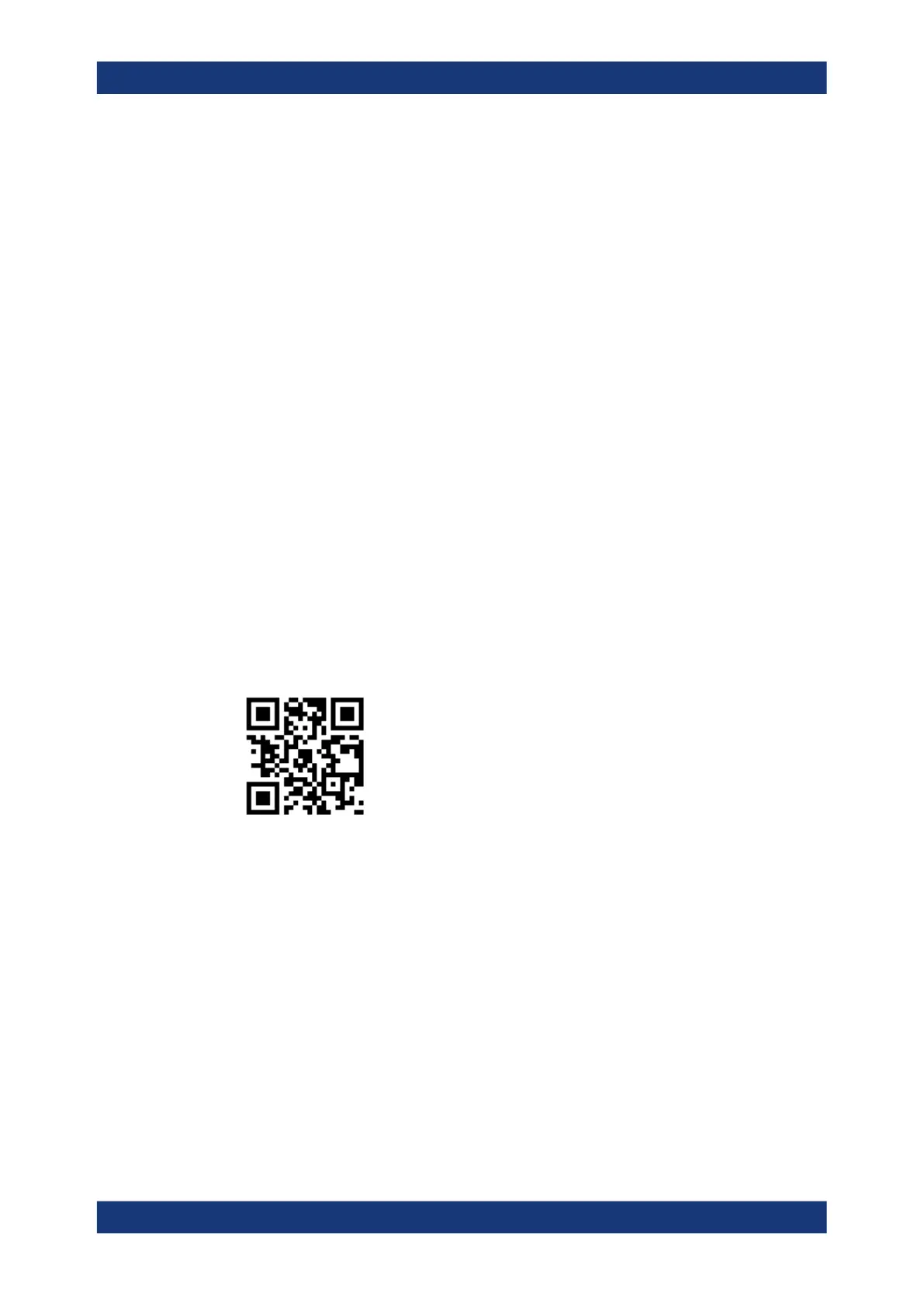
Contact our customer support center at www.rohde-schwarz.com/support, or follow this
QR code:
Figure 12-1: QR code to the Rohde
&
Schwarz support page
Contacting customer support


 To Next Page
 Loading...