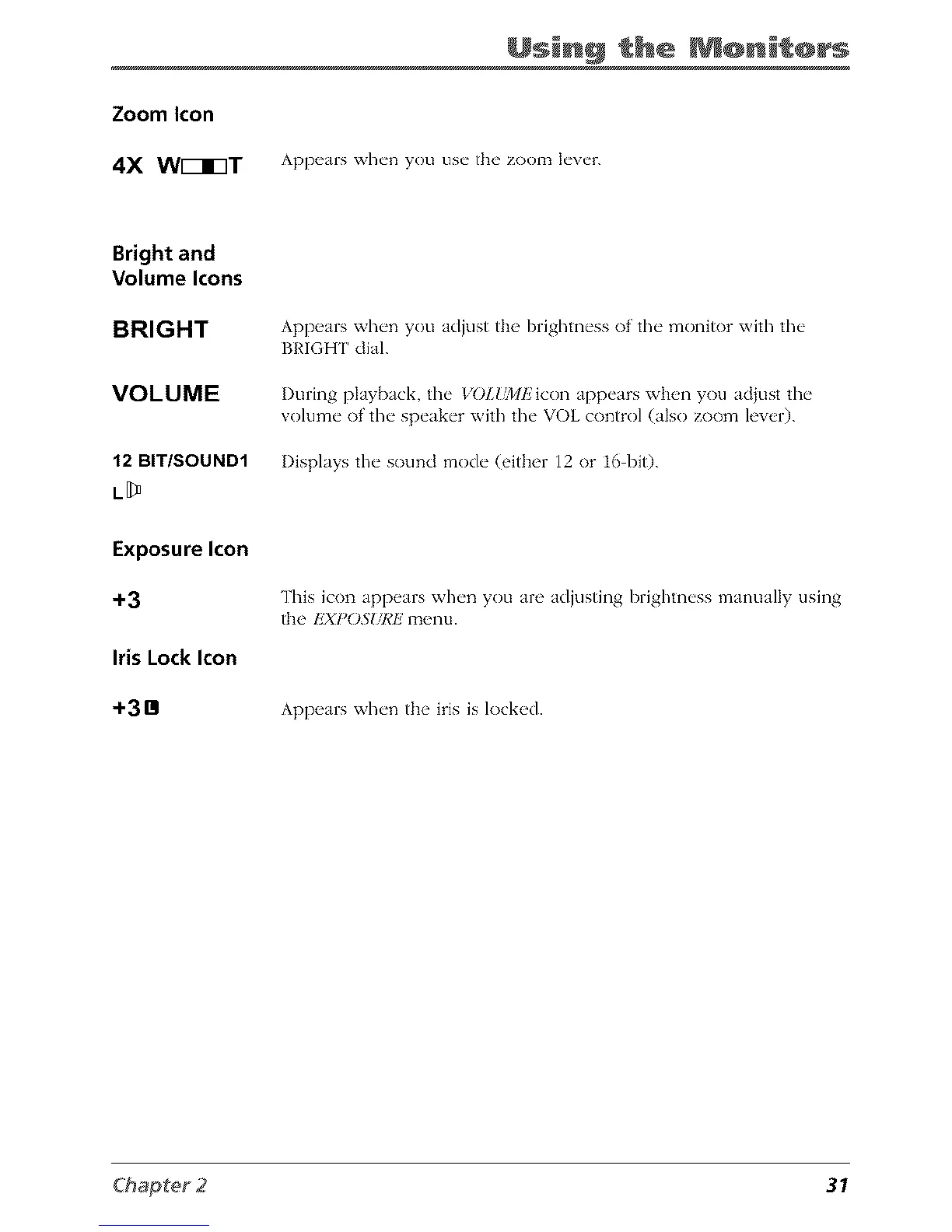
Zoom Icon
4X W[_I3T
Usin@ the @nit@rs
Appears when you use the zoom lever.
Bright and
Volume Icons
BRIGHT
VOLUME
12 BIT/SOUND1
L[_
Exposure Icon
+3
Iris Lock Icon
+3Bl
Appears when you adjust the brightness of the monitor with the
BRIGHT dial.
I)uring playback, the _'01.{_lEicon appears when you adjust the
volume of the speaker with the VOL control (also zoom lever).
Displays the sound mode (either 12 or 16 bi0.
This icon appears when you are adjusting brighmess manually clsing
the EXPOS"IdCE menu.
Appears when the iris is locked.
31



 To Next Page